
















Platform / Live

The #1 delivery app for Shopify merchants.

The delivery app that lives inside Shopify. EasyRoutes syncs your orders automatically, optimizes routes with one click, and updates fulfillment status when deliveries are completed — all without leaving your Shopify Admin.

No credit card required. Cancel any time.

The #1 delivery app for Shopify merchants.

4.9 stars · 5,000+ businesses · 75+ countries

The Million Roses
Ecofuel
Sonno
Wooftown
Slice
Home Luxury Scents
Gas Guys
Frozen Service
Organic Oren
Bloomen
Country Life
Gilly
Jomo
Redstart Foods
Sweete
Butter & Crust
"This is the best app for delivery routes. It integrates very well with Shopify and it is flexible when you need to increase your drivers and routes for a busy holiday and then decrease them as well."

Zero-friction order sync

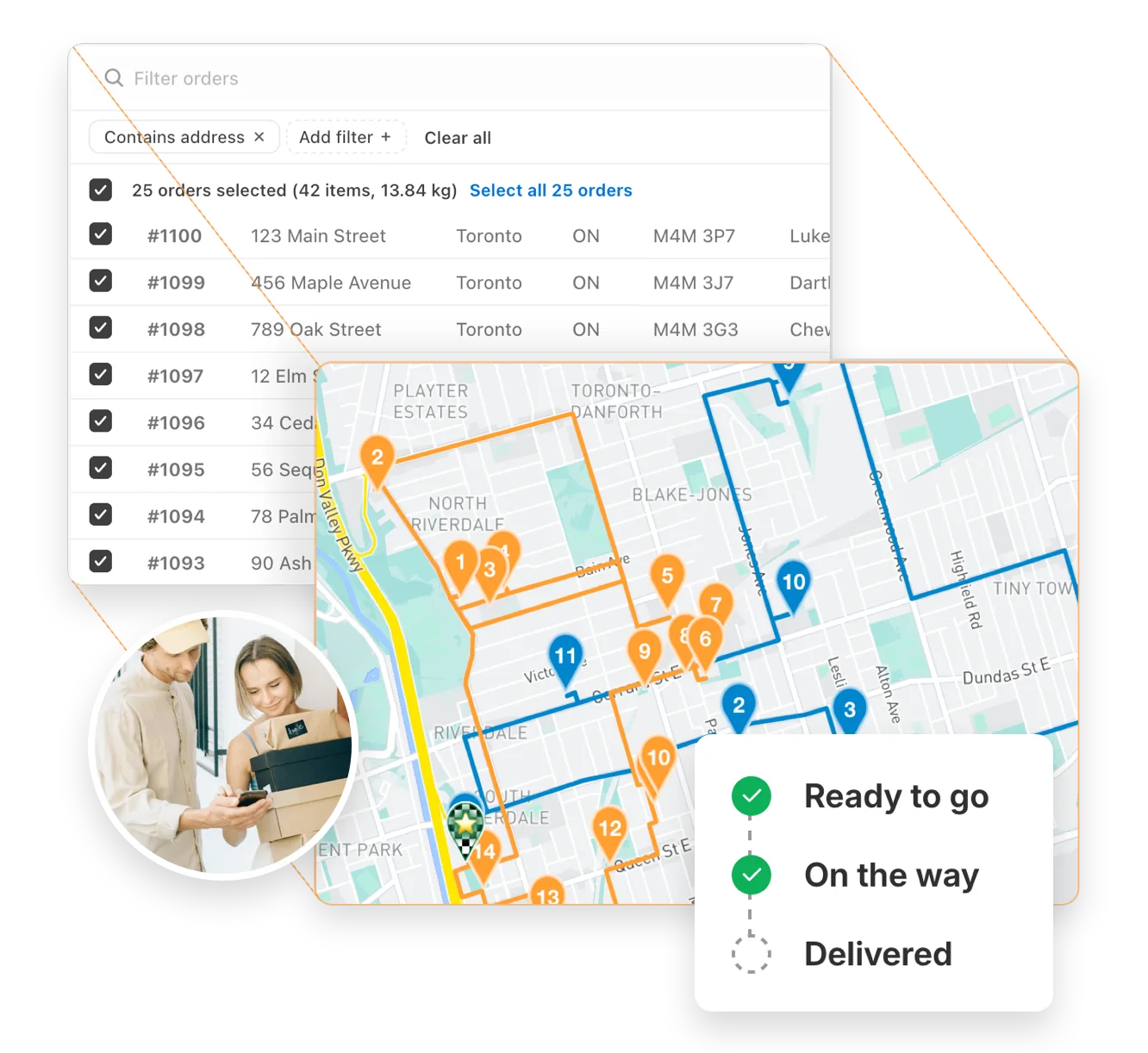
Open EasyRoutes in your Shopify Admin and your orders are already there. No exports, no imports, no copy-paste. Use Shopify tags to organize deliveries by date, zone, or priority. Your Shopify data is your delivery data, automatically.
Explore zero-friction order sync →
Zero-friction order sync

Automatic fulfillment updates

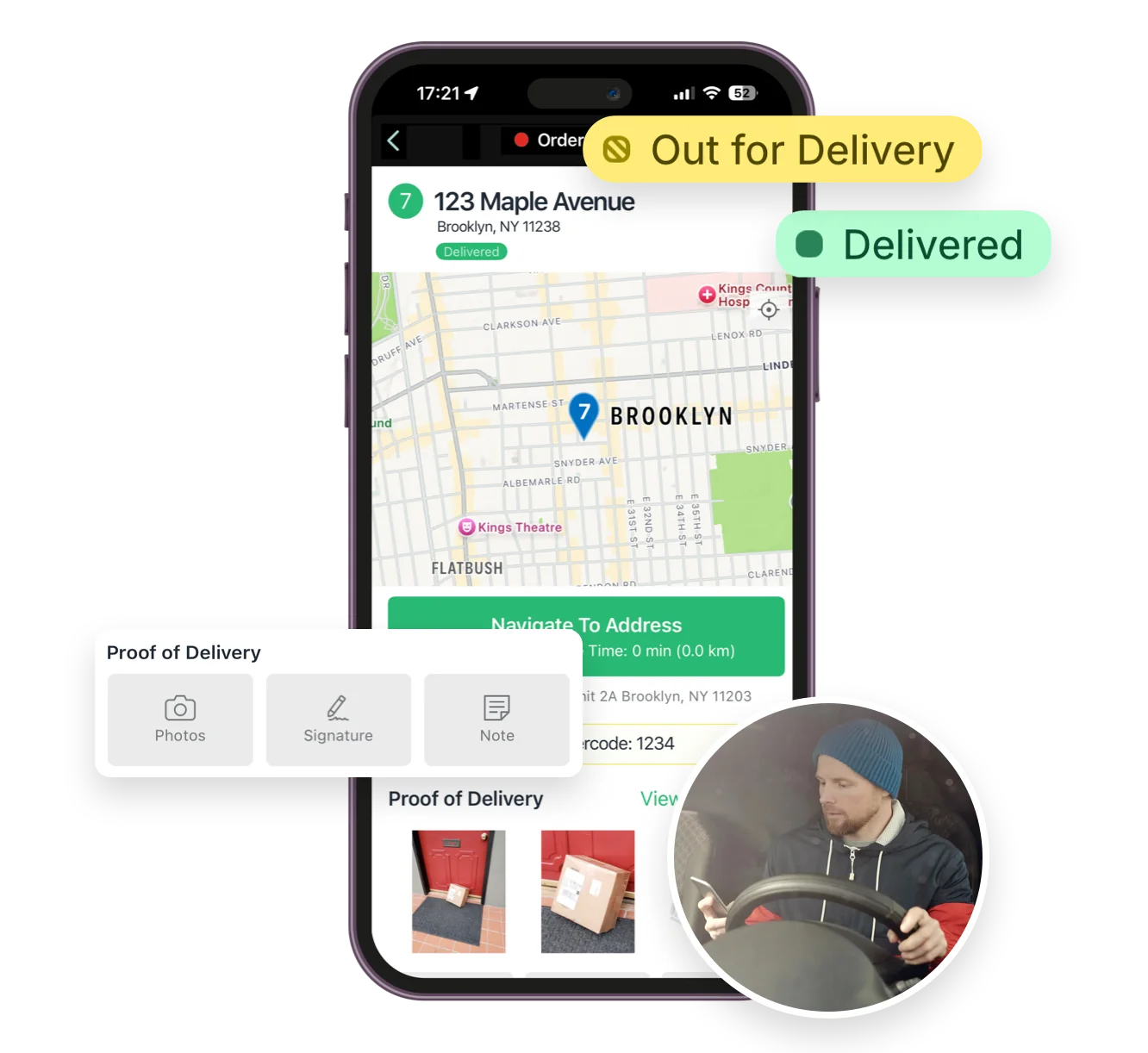
When drivers deliver an order, EasyRoutes automatically updates its fulfillment status in Shopify. No manual data reconciliation, no orders slipping through the cracks. Your Shopify dashboard always reflects reality.

Automatic fulfillment updates

Native Shopify notifications

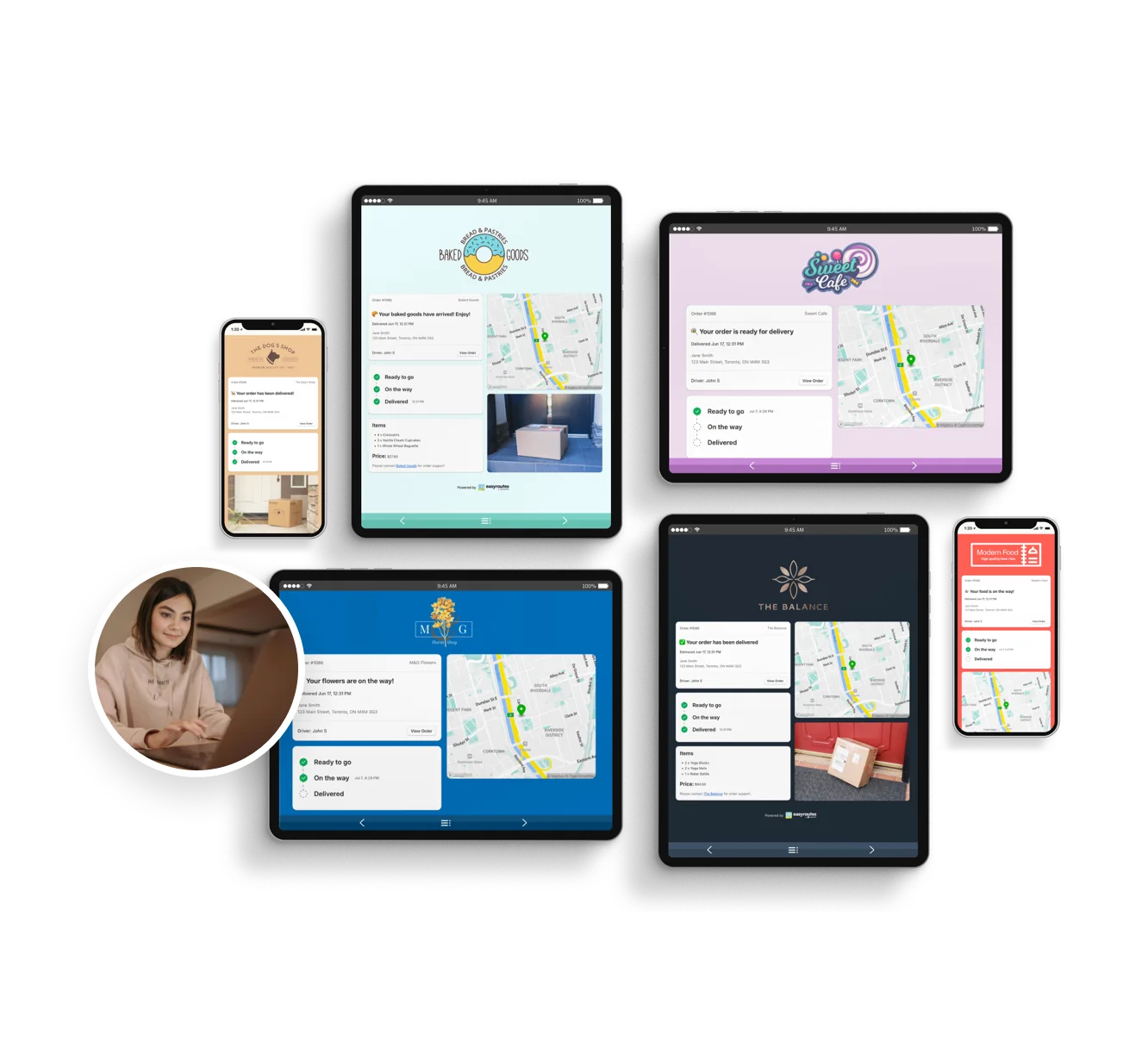
EasyRoutes uses Shopify's built-in email system to send delivery notifications. Customers receive updates that match your store's branding and arrive reliably. No third-party email configuration needed.

Explore native shopify notifications →
Native Shopify notifications

Works with your other Shopify apps

EasyRoutes integrates with popular Shopify apps including Recharge, Zapiet, Bold, and many more. Your existing app ecosystem keeps working. Filter and route based on order tags or attributes from leading apps in the Shopify App Store.

Works with your other Shopify apps

Built for Shopify. Certified by Shopify.

  • Built for Shopify certified, meeting Shopify's highest standards for performance, security, and ease-of-use
  • Free plan available for stores routing fewer than 50 deliveries per month
  • 4.9-star rating from hundreds of Shopify merchants
  • Install in seconds from the Shopify App Store — no complicated setup required
Built for Shopify. Certified by Shopify.

Get Started with EasyRoutes

  • Free for 14 days. No card required.
  • Bring your orders from anywhere: your ecommerce platform, a CSV, Zapier, or our API.
  • Plan and dispatch your first routes the same day.
  • Free migration help from our support team.
12 questions

Frequently asked questions

Who should use EasyRoutes for Shopify?

EasyRoutes for Shopify is best suited for merchants who already sell goods or services within the Shopify ecosystem.  Users can plan optimized delivery routes with all orders received through their Shopify storefront, created via draft orders, or imported manually as custom stops.

EasyRoutes for Shopify integrates seamlessly with the Shopify Admin and dozens of leading third-party apps, making it the ideal choice for Shopify merchants seeking a streamlined local delivery solution.

Does EasyRoutes automatically sync orders from Shopify?

Yes. New and updated Shopify orders flow into EasyRoutes automatically so your Orders page stays current for planning. If something looks off, refresh and check your date/location filters.

See: Shopify Items & Fulfillments

How does EasyRoutes work with Shopify fulfillments?

When you update stop statuses in EasyRoutes (Ready/Out for Delivery, Delivered, Attempted), we create or update Shopify fulfillments and attach the tracking link; notifications follow your settings configuration.

See: Items & Fulfillments

Does EasyRoutes work with Shopify’s built-in notifications?

Yes. With EasyRoutes for Shopify you can use Shopify’s built‑in email/SMS templates instead of, or alongside, EasyRoutes’ custom notifications. Avoid duplicates by disabling overlapping templates.

See: Delivery Notifications

Can EasyRoutes integrate with other business tools?

Yes. Use the EasyRoutes API, webhooks, and Zapier to connect ERPs/CRMs/WMS or automate tasks without code.

See: API Getting Started · Webhooks & Zapier

Can EasyRoutes connect to multiple Shopify stores?

Each EasyRoutes for Shopify install connects to a single Shopify store. To combine data from additional external sources, import stops via CSV, API, webhooks, or Zapier.

See: Multiple Shopify stores

Can I route Shopify Local Delivery and Pickup orders?

Yes. EasyRoutes supports Shopify Local Delivery and can include Pickup orders on routes when you need a driver or staff task at your store or pickup point. Local Delivery instructions appear directly on the stop when available.

See: Viewing Local Delivery Instructions

Can I move from Shopify Local Delivery to EasyRoutes?

Yes. EasyRoutes is built to replace and extend Shopify Local Delivery. It reads your existing Local Delivery orders — including checkout delivery instructions — and adds route optimization, driver dispatch, live tracking, notifications, and proof of delivery. Install from the Shopify App Store and orders sync automatically, with no manual re-entry. See: Shopify Local Delivery migration guide

Does EasyRoutes support Shopify Subscription orders?

Yes. Subscription orders from Shopify can be planned like standard orders. EasyRoutes also integrates with popular subscription/checkout apps.

See: Shopify Subscription Orders · Third‑party apps

Can I filter Shopify and imported orders in EasyRoutes?

Yes. Filter by delivery date, zone, status, location (ZIP/postal code, city, country, custom zones) and more criteria to select only the orders you need.

See: Order Filters

Does EasyRoutes add tracking links to Shopify orders automatically?

Yes. When you fulfill via EasyRoutes, we attach a tracking link to the Shopify order’s fulfillment so customers can follow their order's status online.

See: Tracking Pages & Links

Can I include proof in Shopify notifications?

Yes. Add PoD image URLs to Shopify’s Delivered/Missed templates so customers receive photo links in standard Shopify emails.

See: Use PoD in Shopify Notifications

Your delivery day, planned before you get in.