














Smart Delivery Zones
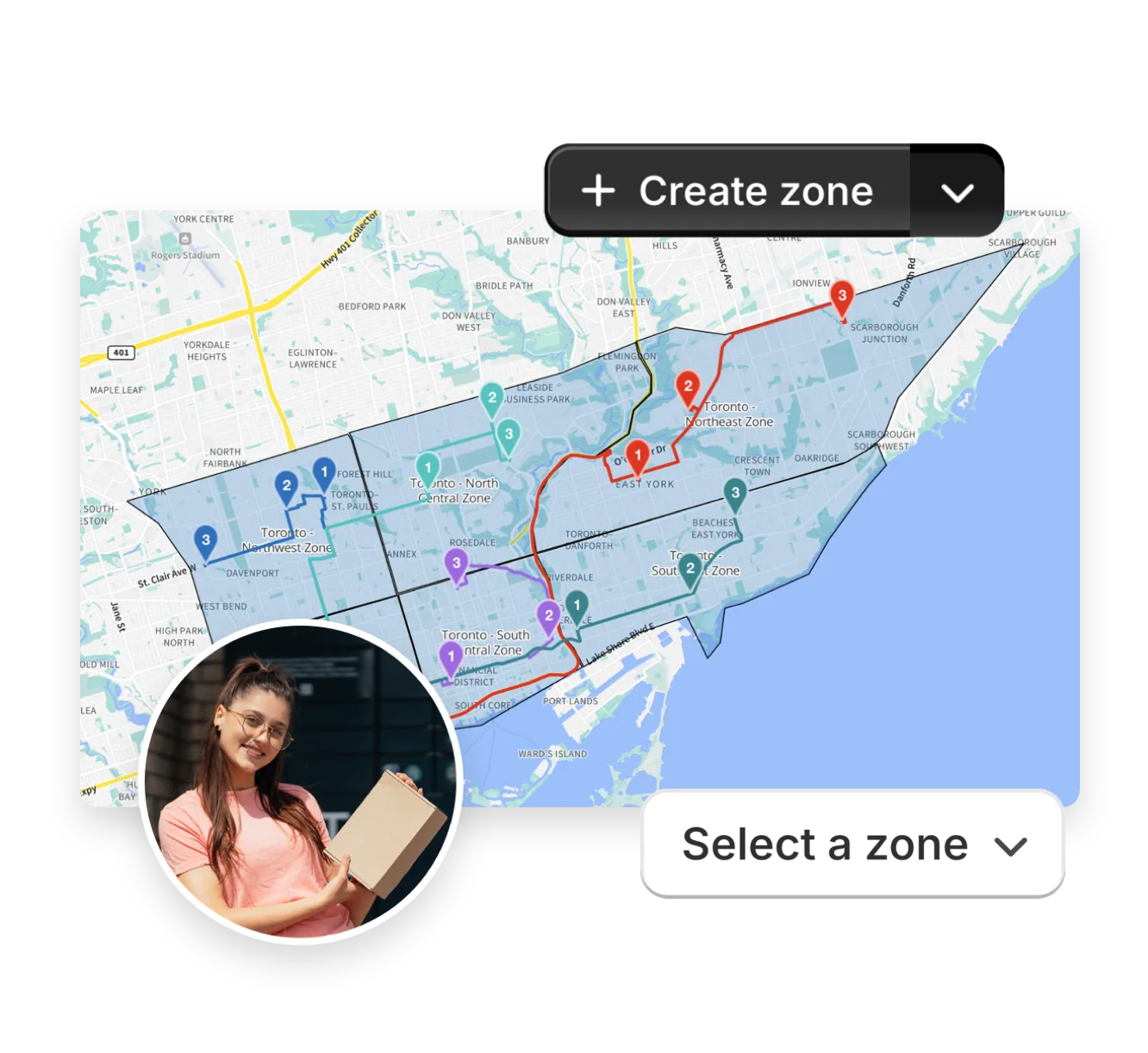
Smart Delivery Zones let users create routes by geographical territory, taking the guesswork out of route planning. Simply draw custom shapes on the map to define where you deliver, name each zone, and choose a route colour. When you’re ready to plan, toggle on the Delivery Zones option to limit routes to orders inside a selected zone - any orders outside the boundary are held for review so nothing gets lost.
Edit your zone's shapes later, archive zones you no longer use, or import KML files created or exported from external tools to get up and running fast. For multi-territory delivery days, pair your zones with Route Groups to spin up multiple routes at once, with each confined to its own zone and ready to dispatch. It’s a clear, repeatable way to keep drivers on familiar ground and deliveries on schedule.
- Draw precisely shaped zones that match real-world delivery territories.
- Import boundaries or open datasets via KML file for instant setup.
- Create one route per zone, or split deliveries cleanly across multiple zones.