
















Barcode Scanning
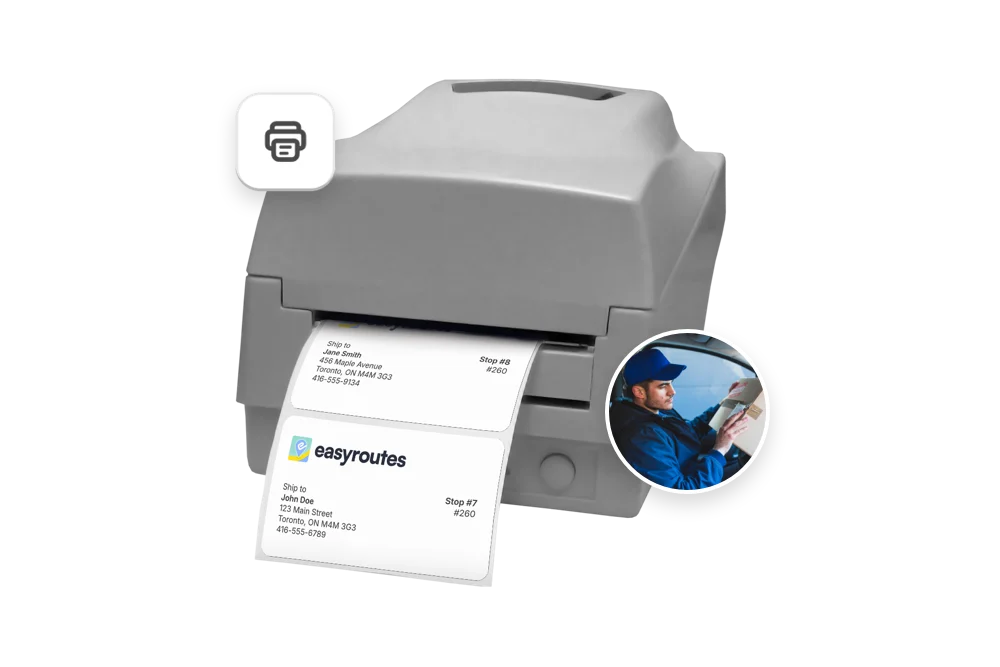
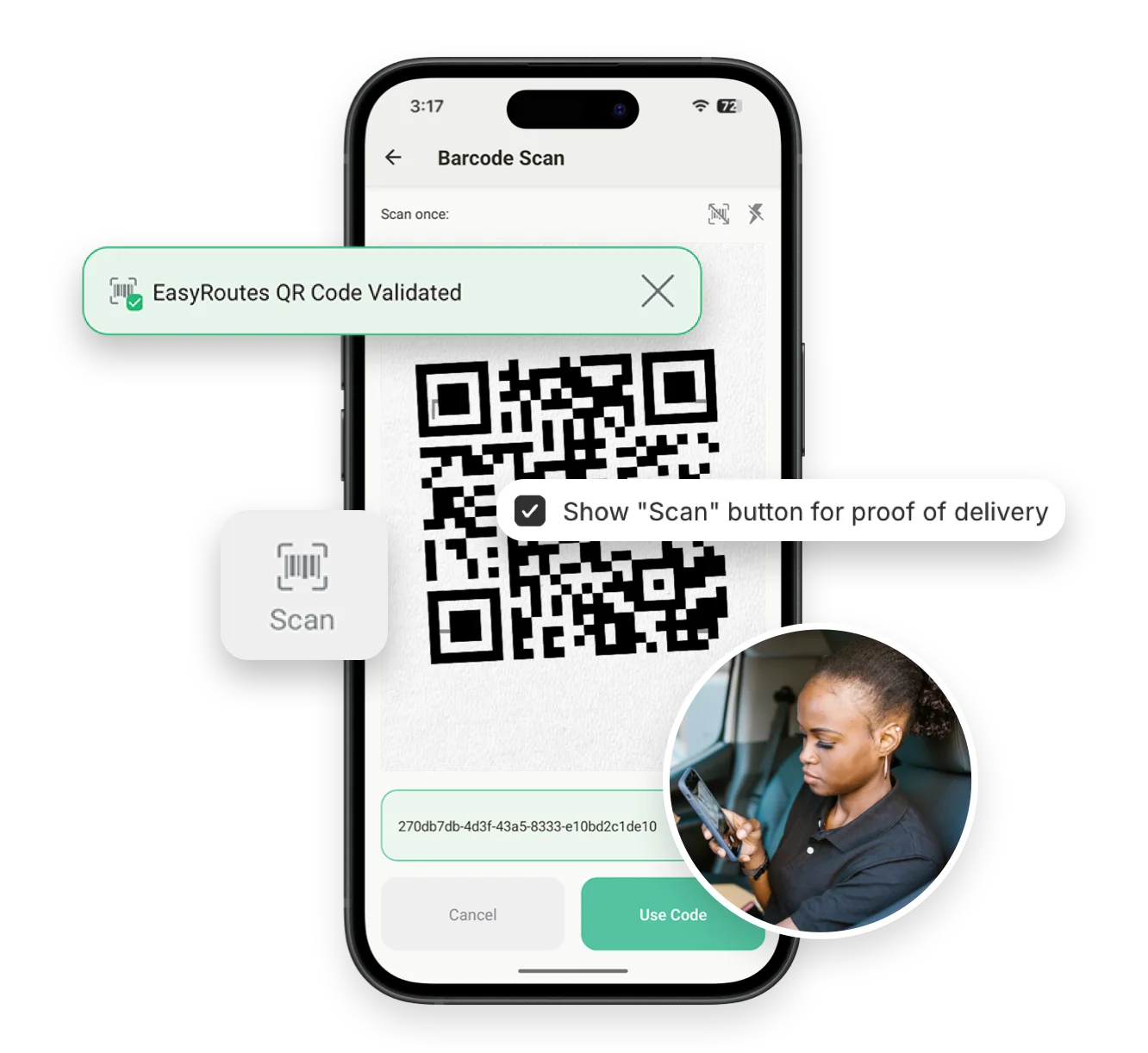
EasyRoutes barcode scanning adds an extra layer of validation to every stop. Generate EasyRoutes-native barcodes on packing slips and packing labels, or attach external product and order barcodes, then let drivers scan them directly from the EasyRoutes Delivery Driver mobile app. From the Proof of Delivery section or a Scanner input Driver Task, drivers use their device camera to scan a barcode or QR code before completing the stop — matching scans are clearly confirmed, while non-matching codes can be flagged and reported back to your route planner.
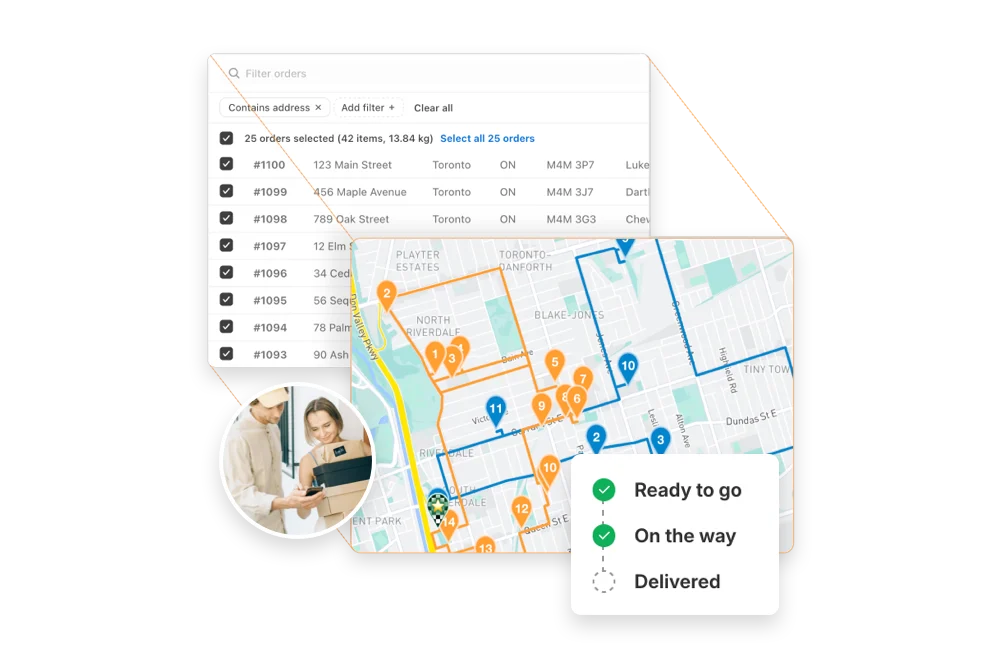
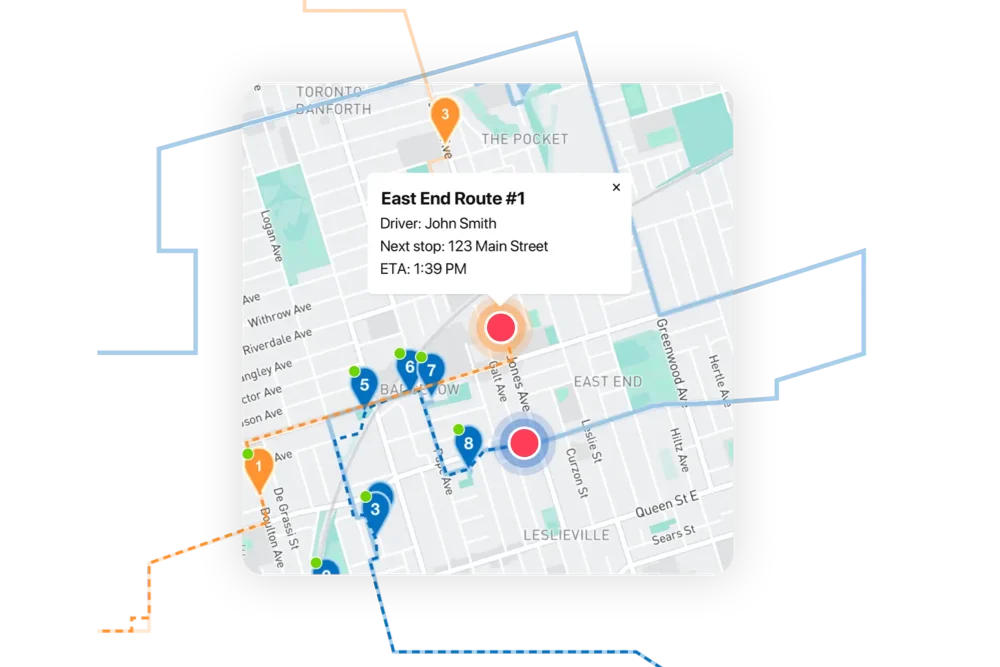
All scans are stored with the stop’s proof of delivery, alongside photos, signatures, and notes, and can be reviewed live on the Route Page or after the route is complete. It’s a simple way to cut down on mis-deliveries, verify high-value or sensitive orders, and keep a reliable record of every package that reaches the door.
- Use EasyRoutes-native barcodes on packing slips and labels or external product/order barcodes — no new hardware or complex setup required.
- Scan to verify the right order at each stop before completing delivery.
- Capture barcode scans to log every successful delivery, and verify externally generated barcode values for a clear audit trail.