
















Platform / Live
Route Management

Edit, Adjust, and Dispatch with Confidence

Handle last-minute order changes, reassign deliveries, and make real-time updates without disrupting your team or your customers.

No credit card required. Cancel any time.

Edit, Adjust, and Dispatch with Confidence

4.9 stars · 5,000+ businesses · 75+ countries

The Million Roses
Ecofuel
Sonno
Wooftown
Slice
Home Luxury Scents
Gas Guys
Frozen Service
Organic Oren
Bloomen
Country Life
Gilly
Jomo
Redstart Foods
Sweete
Butter & Crust
“This is the best app for route planning (we tried most of them) and the support is very prompt and excellent!”

Route Management

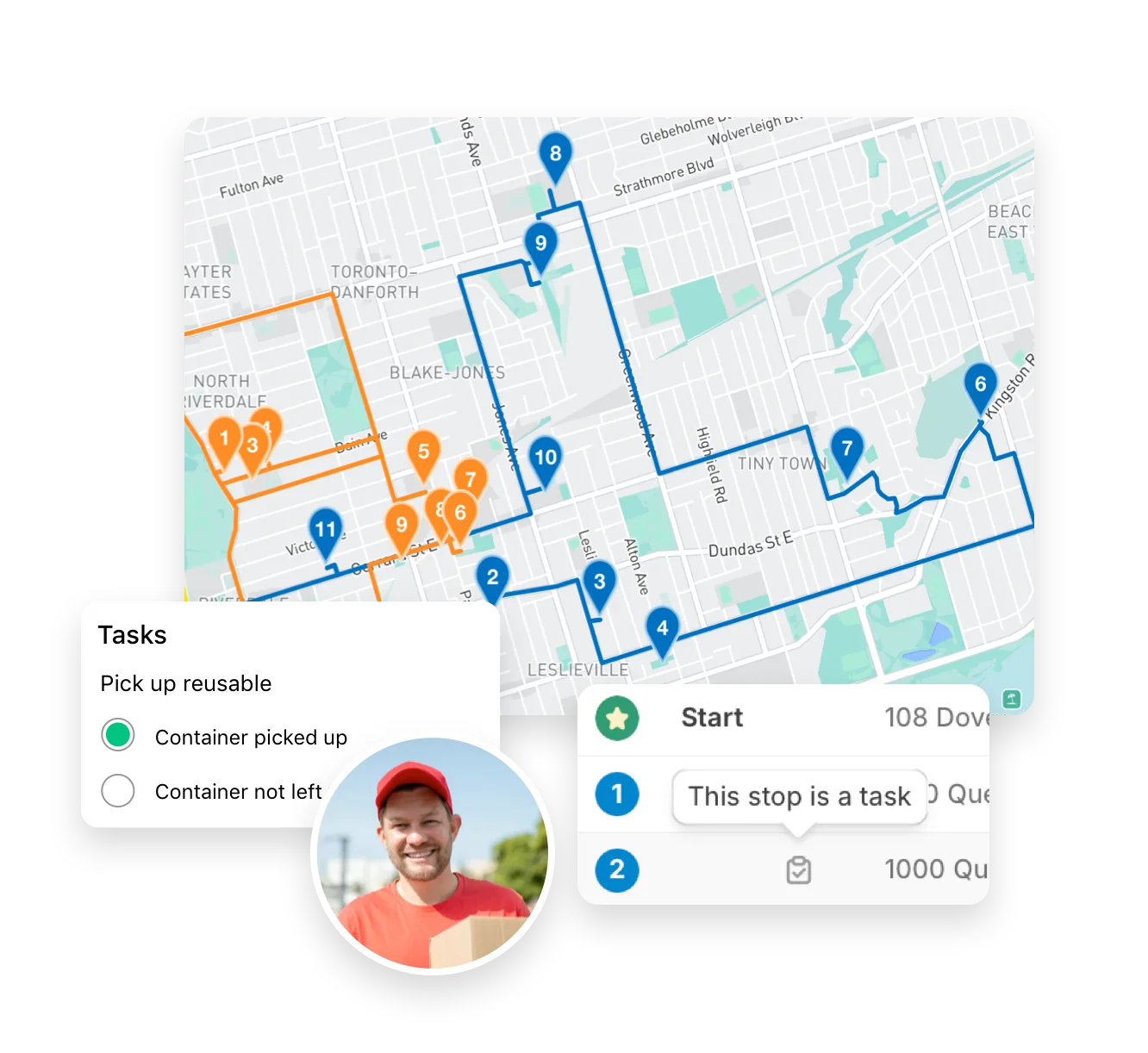
EasyRoutes’ route management tools are designed to give delivery teams full control and flexibility over their operations—from planning to dispatch to real-time adjustments and access to every historical route. Whether you're coordinating multi-driver schedules, managing fluctuating order volumes, or responding to last-minute changes, EasyRoutes makes it easy to update routes on the fly, reassign stops, and accommodate custom delivery requirements.

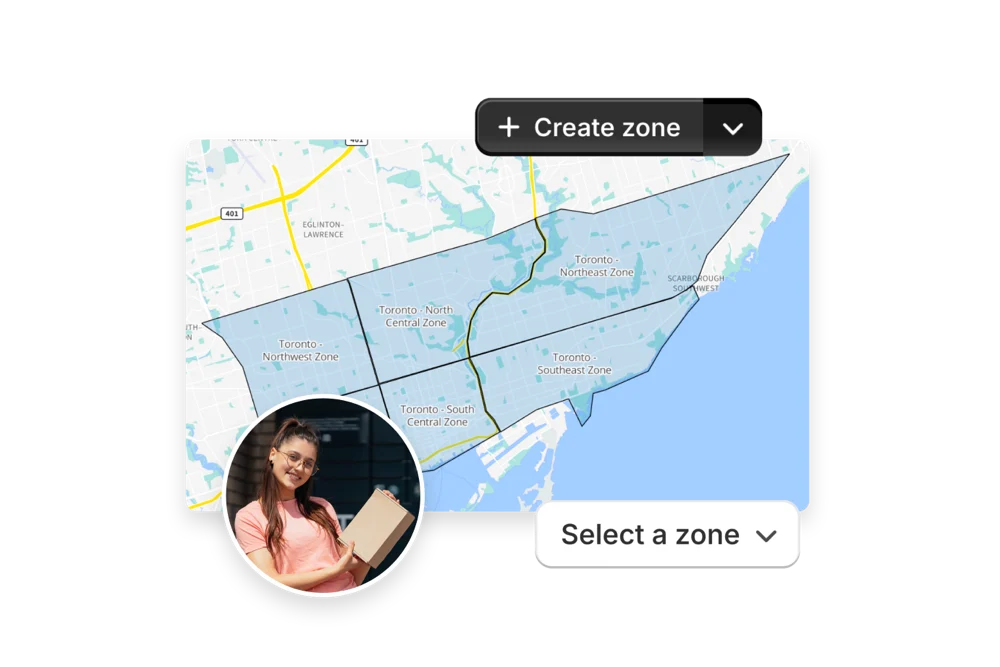
Features like automated order filtering, manual stop editing, and drag-and-drop route adjustments help teams stay agile while reducing planning time. With integrated proof of delivery, real-time driver tracking, and customizable route management workflows, businesses can scale their operations confidently while maintaining visibility and control across every route, driver, and successful delivery.

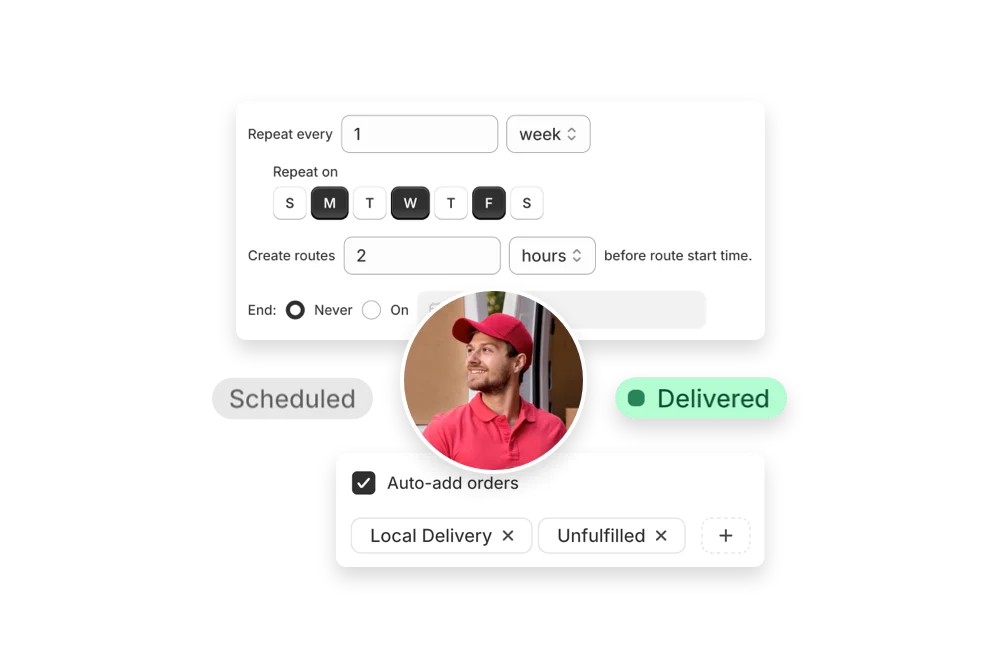
  • Add late breaking orders at any time, even after a route has started
  • Re-schedule routes on the fly to accommodate traffic or adverse weather conditions
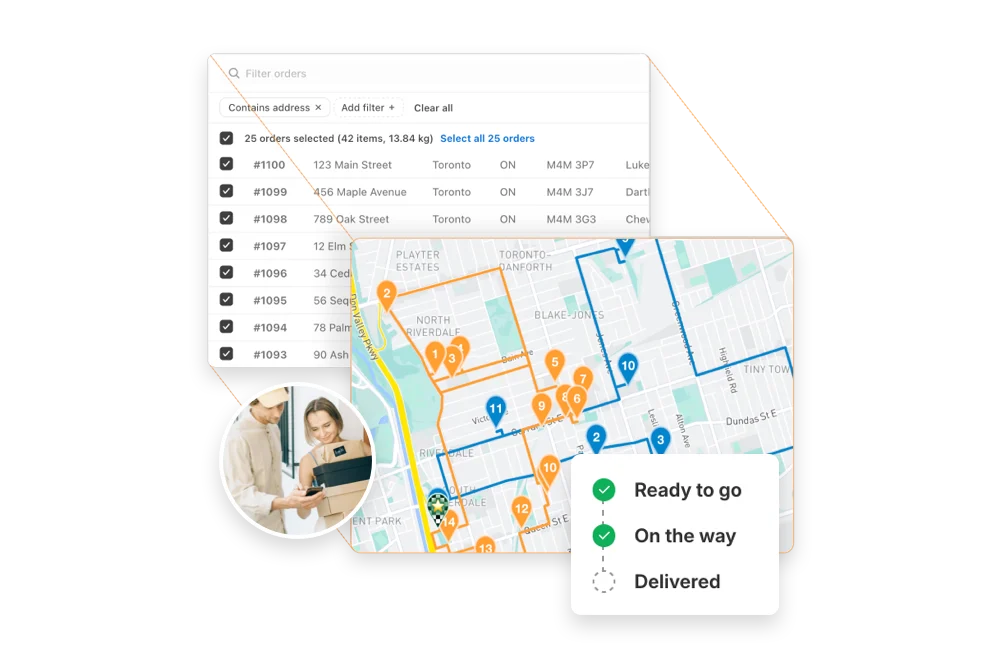
  • Plan routes in groups to monitor and track their progress all in one place
10 questions

Frequently asked questions

Can I edit routes after they’ve been created?

Yes. Add/remove stops, drag‑and‑drop stops to reorder them, change drivers or schedules, and re‑optimize at any time.

See: Edit Routes

Can I move orders between different routes?

Yes. Select stops on a route and choose Send to another route, or drag between routes on a Route Group. Re‑optimize after moving to refresh ETAs.

See: Move orders to another route

Can I reverse the order of stops in a route?

Yes. Use the route’s actions menu to reverse the stop sequence, then save to recalculate ETAs.

See: Reverse a route

Can I re-optimize a route after it’s created?

Yes. Re‑optimize at any time — after adding or removing stops, changing stop priorities, editing route options, or balancing loads. Drivers can also re-optimize routes delivered out of order, or re‑order stops if enabled from your EasyRoutes Settings.

See: Re‑optimize a route · Re‑ordering stops

Can I duplicate a route for future use?

Yes. Copy an existing route so you can reuse its stops and settings, adjust the schedule/driver, and re‑optimize for use on subsequent delivery days.

See: Edit Routes

Can I delete or archive old routes?

Yes. You can archive routes to tidy up your route list but retain them for reference, or permanently delete them from your route history. Use the checkboxes to select desired routes from the Routes page, and use the actions menu to archive or delete. Archived routes retain proof of delivery and analytics.

See: Archive/Delete Routes

Does EasyRoutes keep a history of my past routes?

Yes. The Routes page shows unstarted, in‑progress, completed, and archived routes. Filter by status or date to find older runs.

See: See old orders or routes

Can I export my routes for reporting or analysis?

Yes. Export route and stop data — including links to proof of delivery — to CSV for reconciliation or further analysis with external tools.

See: Export routes/stops

Can I group routes together for easier dispatching?

Yes. Route Groups let you create, monitor, and dispatch multiple routes at once, and track all drivers within the group on one map view.

See: Route Groups

How does EasyRoutes handle orders without a shipping address?

EasyRoutes flags any orders that are missing a shipping address so you can add or correct the address before routing. For pickup orders, use your store or pickup location as the address.

See: My order does not have a shipping address

Your delivery day, planned before you get in.