
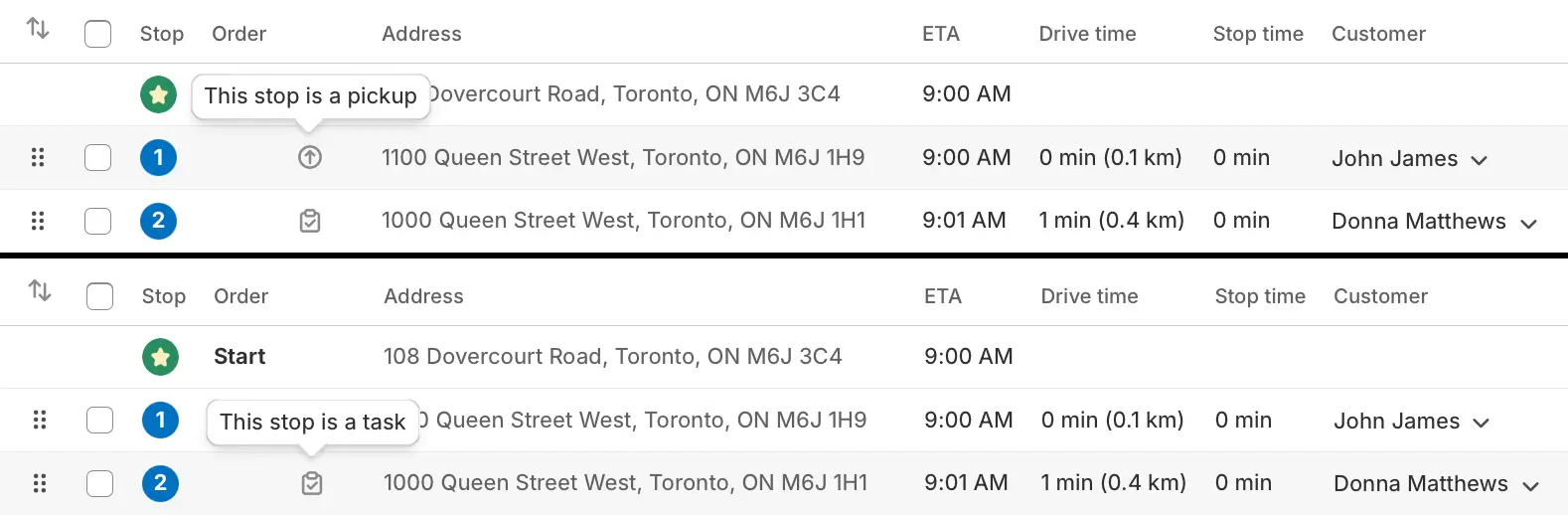
EasyRoutes now supports three different types of stop for any generated routes: Deliveries, Pickups, and Tasks.
For example, if your store offers local pickup from a centralized location, orders can be marked as Pickups to better organize these orders, and offer a different customer experience than those marked as Deliveries. Businesses that offer service calls or on-site maintenance can similarly mark stops as Tasks, providing a more customized service to eligible customers.
Stop types will be set as Delivery by default, and can be individually modified from the Edit Stop page, or using a new bulk action from any Route page. Pickup and Task stop types can also be applied automatically using order automation rules when an order contains a particular order tag, customer tag, delivery method, or order attribute.
New settings are now available to customize your email & SMS notifications, order tracking pages, and fulfillment workflows to fine-tune your customers' experience depending on the nature of their order.
For full details on working with Pickup and Task stops, see the support article for this new feature.