
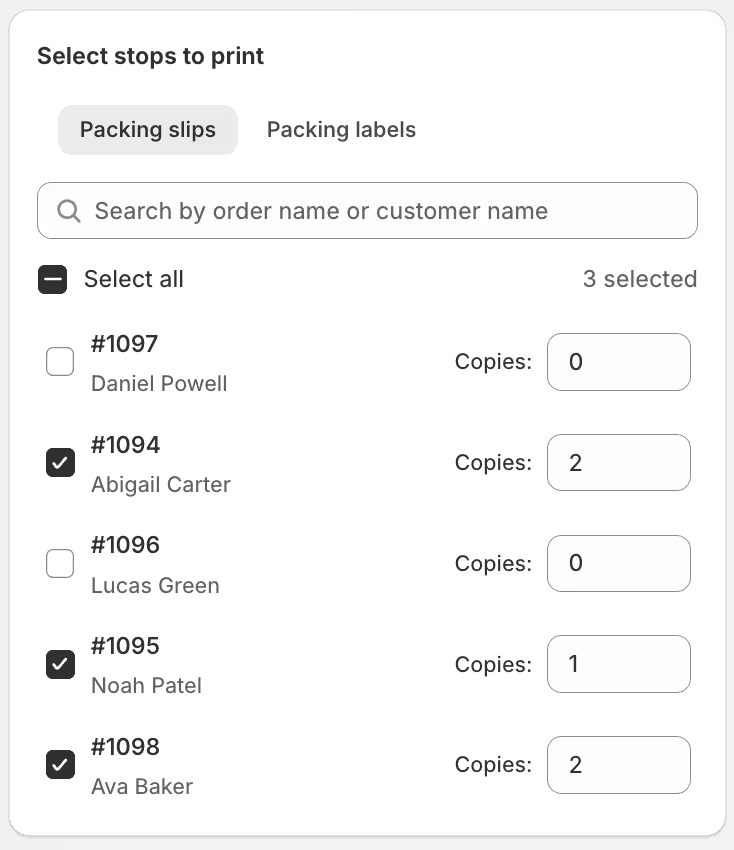
We've added a new configuration panel to EasyRoutes' route printing feature, allowing users to customize the quantity of packing slips and packing labels, individually per stop, that will be included in a route printout.
To do so, click the Print button from any route's page, and enable the checkboxes for Packing slips and/or Packing labels; the Select stops to print configuration panel (shown above) will then appear at the bottom of the list of options on the right-hand side of the page, with individual tabs for slips and labels if both are selected. Any slips or labels configured for multiple copies will be printed back-to-back in their routed sequence.
For full details on configuring packing slips, packing labels, and other route printout elements, see the route printing support article.