














Platform / Live

Local delivery for furniture made easy

Deliver comfort and style on time. Optimize furniture delivery to ensure every piece arrives in perfect condition.

No credit card required. Cancel any time.

4.9 stars · 5,000+ businesses · 75+ countries

The Million Roses
Ecofuel
Sonno
Wooftown
Slice
Home Luxury Scents
Gas Guys
Frozen Service
Organic Oren
Bloomen
Country Life
Gilly
Jomo
Redstart Foods
Sweete
Butter & Crust

EasyRoutes for furniture delivery

A sofa delivery involves stairs, doorframes, and a customer who took the day off work. EasyRoutes plans optimized routes around crew size, service duration, and confirmed time windows.

Dispatch teams with building access notes, assembly checklists, and turn-by-turn navigation. Customers get live tracking and an ETA that narrows as the truck gets closer.

Photo proof and signatures document condition at handoff, room by room. Fewer damage claims, fewer missed appointments, and delivery days that end when you said they would.


Furniture
"By far the best and easiest app for delivery."

Powerful furniture delivery features, like:

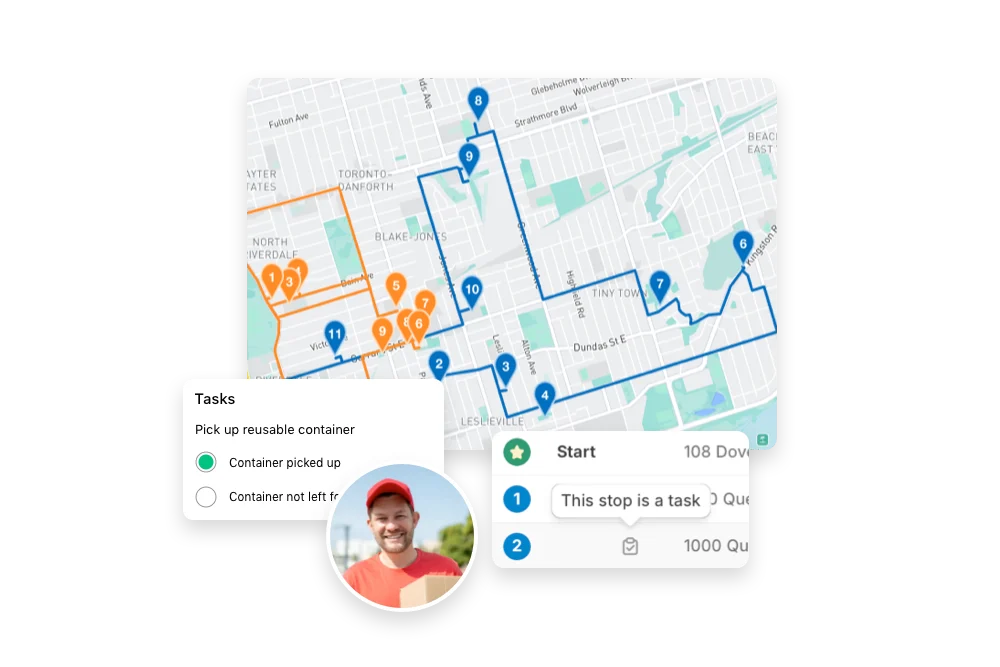
  • Route OptimizationPlan the most efficient routes to deliver furniture quickly and safely. This minimizes delays, reduces fuel costs, and ensures timely arrivals for large and bulky items like sofas, beds, and dining sets.
  • Live TrackingProvide real-time updates and accurate ETAs so customers know exactly when to expect their furniture. This transparency helps build trust and reduces follow-up inquiries.
  • Photo ProofCapture photos upon delivery to confirm that furniture arrived at the correct location and in perfect condition. This reduces disputes and provides peace of mind for both you and the customer.
  • Driver NotesInclude detailed instructions for handling specific pieces, such as assembly requirements, fragile items, or preferred drop-off locations. This helps ensure deliveries meet customer expectations.
  • Time Per StopSchedule extra time for unloading, assembly, or placement of furniture within the customer’s home. This ensures a smooth, hassle-free delivery experience.
  • Task ChecklistsProvide drivers with checklists for tasks like verifying order contents, assembling items, or removing packaging. This helps maintain quality service and ensures nothing is overlooked.
  • Avoid TollsPlan routes that bypass toll roads to save on delivery costs, especially for long-distance or multi-stop delivery routes. This helps keep expenses low and profit margins high.
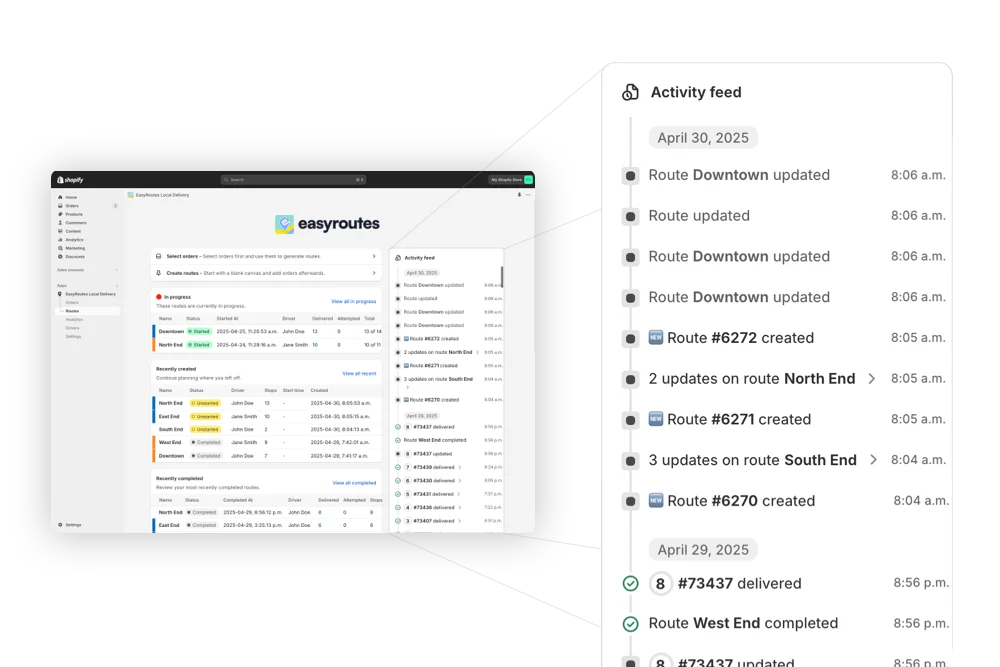
  • Route HistoryMaintain a detailed record of past deliveries to analyze performance, identify areas for improvement, and ensure accountability. This helps refine your logistics process over time.
See all features →

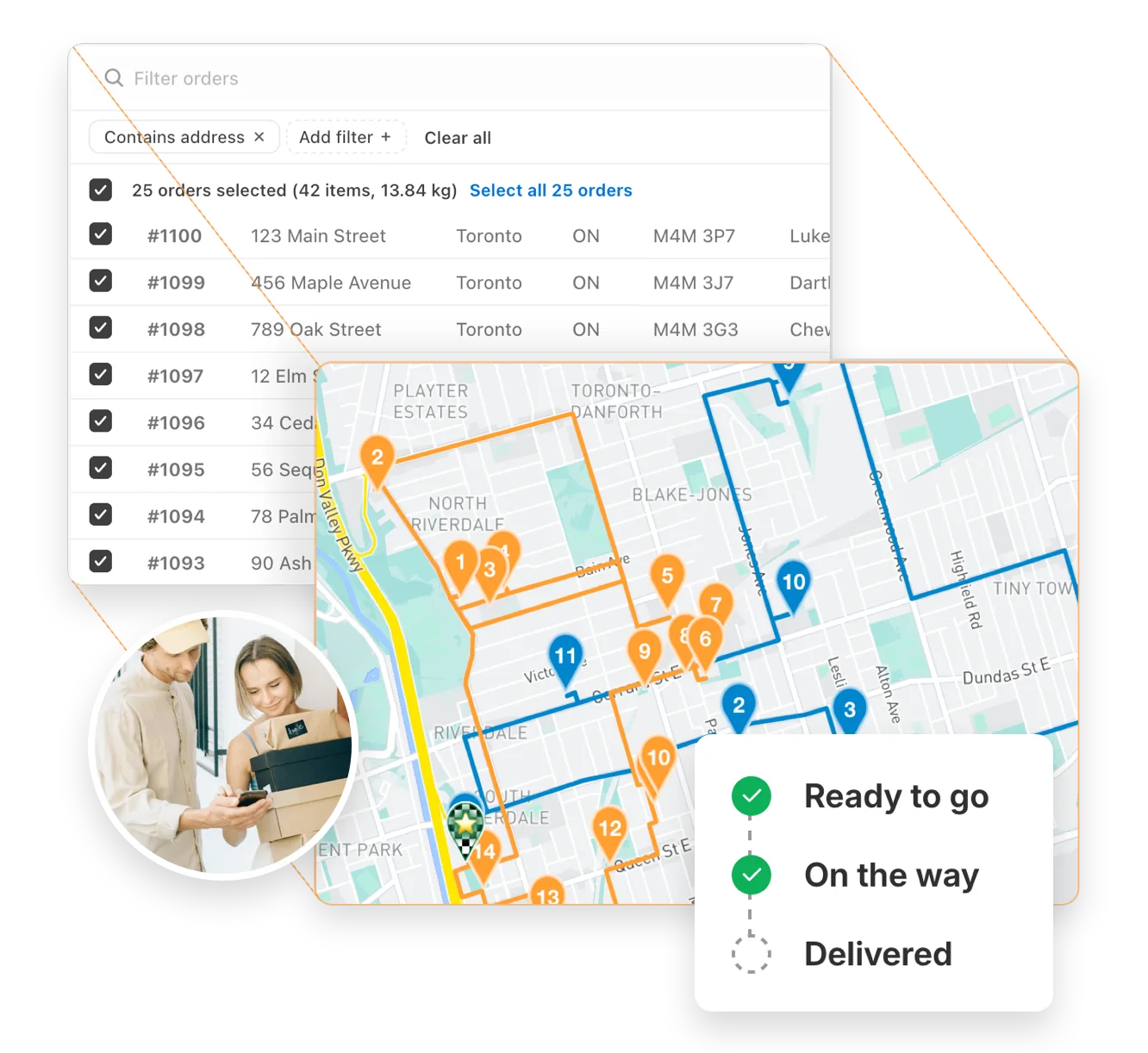
Auto-optimize delivery routes in seconds

Instantly generate the most efficient routes directly from your orders. Save hours on manual planning and cut delivery costs with powerful, scalable routing built for businesses of every size.

"The best routing app for Shopify merchants." - Shopify

Route optimization →
Auto-optimize delivery routes in seconds

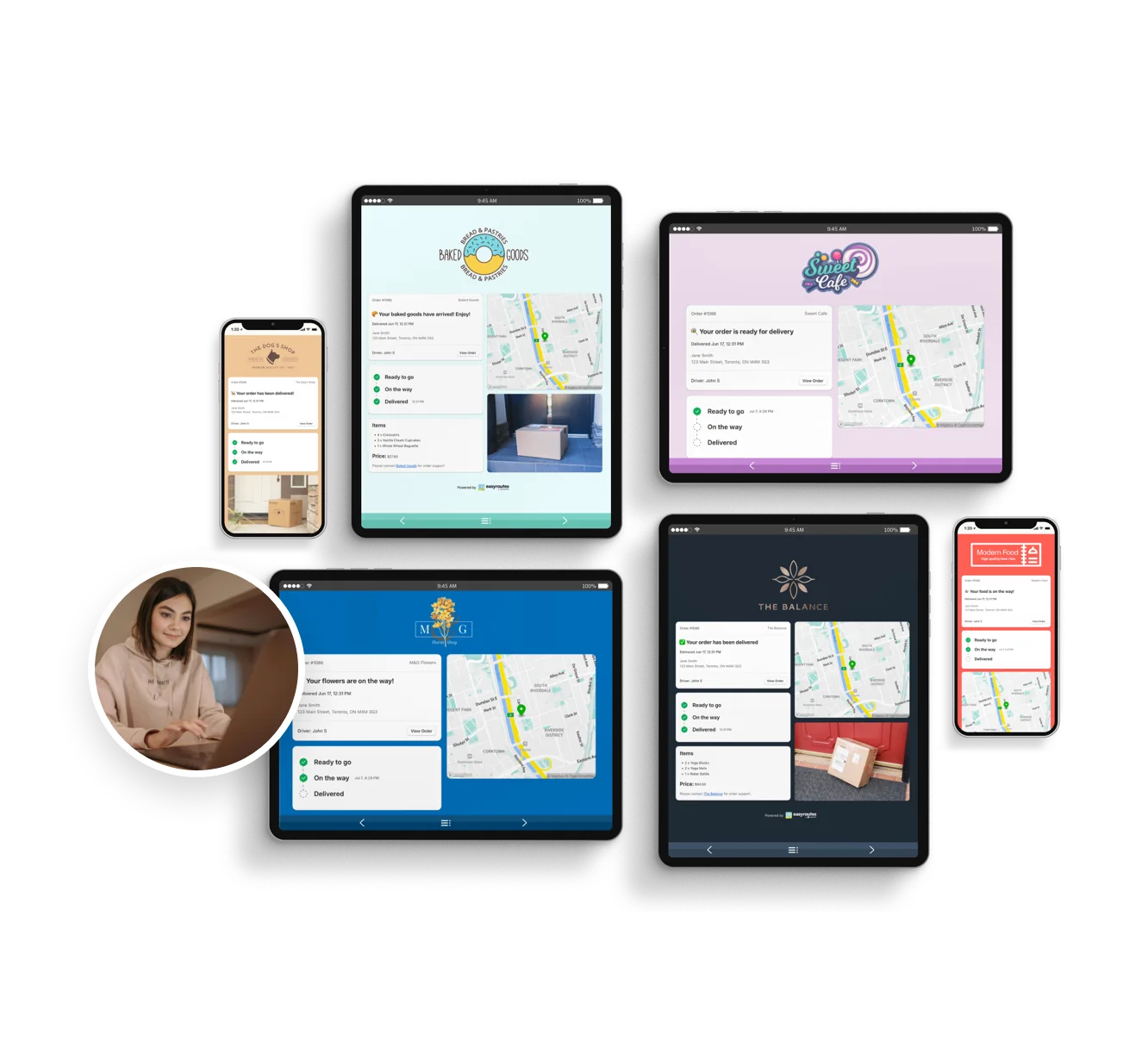
Delight customers with live delivery updates

Reduce “Where’s my order?” calls with automated SMS and email notifications. EasyRoutes includes branded tracking pages that match your business — giving customers the visibility they expect.

"Customers are loving the tracking feature...No more 'When's my order coming?' phone calls." - MB Grocery

Notifications & tracking →
Delight customers with live delivery updates

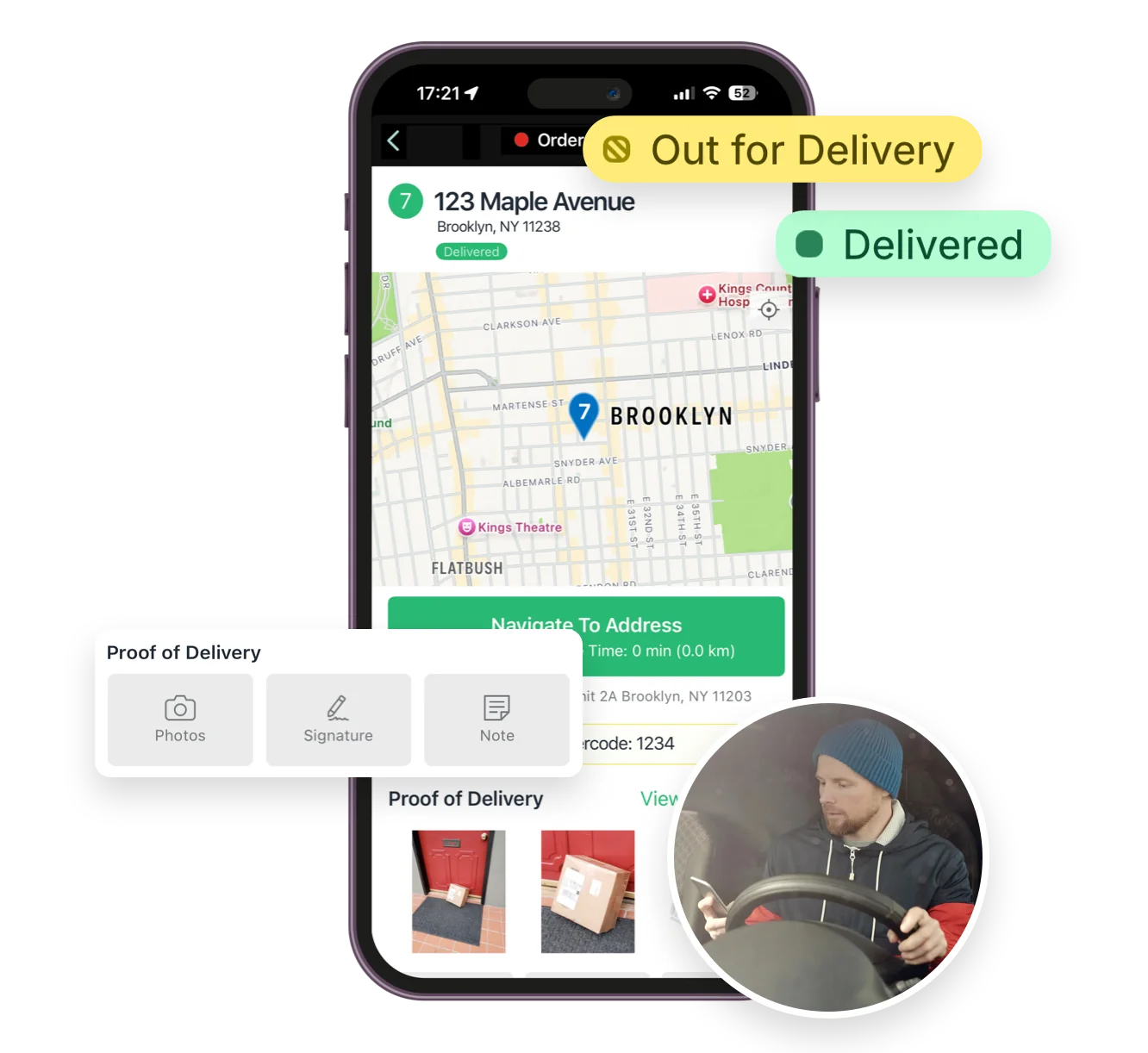
Everything your drivers need in one app

From optimized stop lists to proof of delivery, the EasyRoutes driver app gives your team all the tools they need — on iOS and Android. Turn-by-turn navigation, delivery notes, and customer info all in one place.

"I wouldn’t use any other app for my drivers!" - Solstice Savory Pies

Driver app →
Everything your drivers need in one app

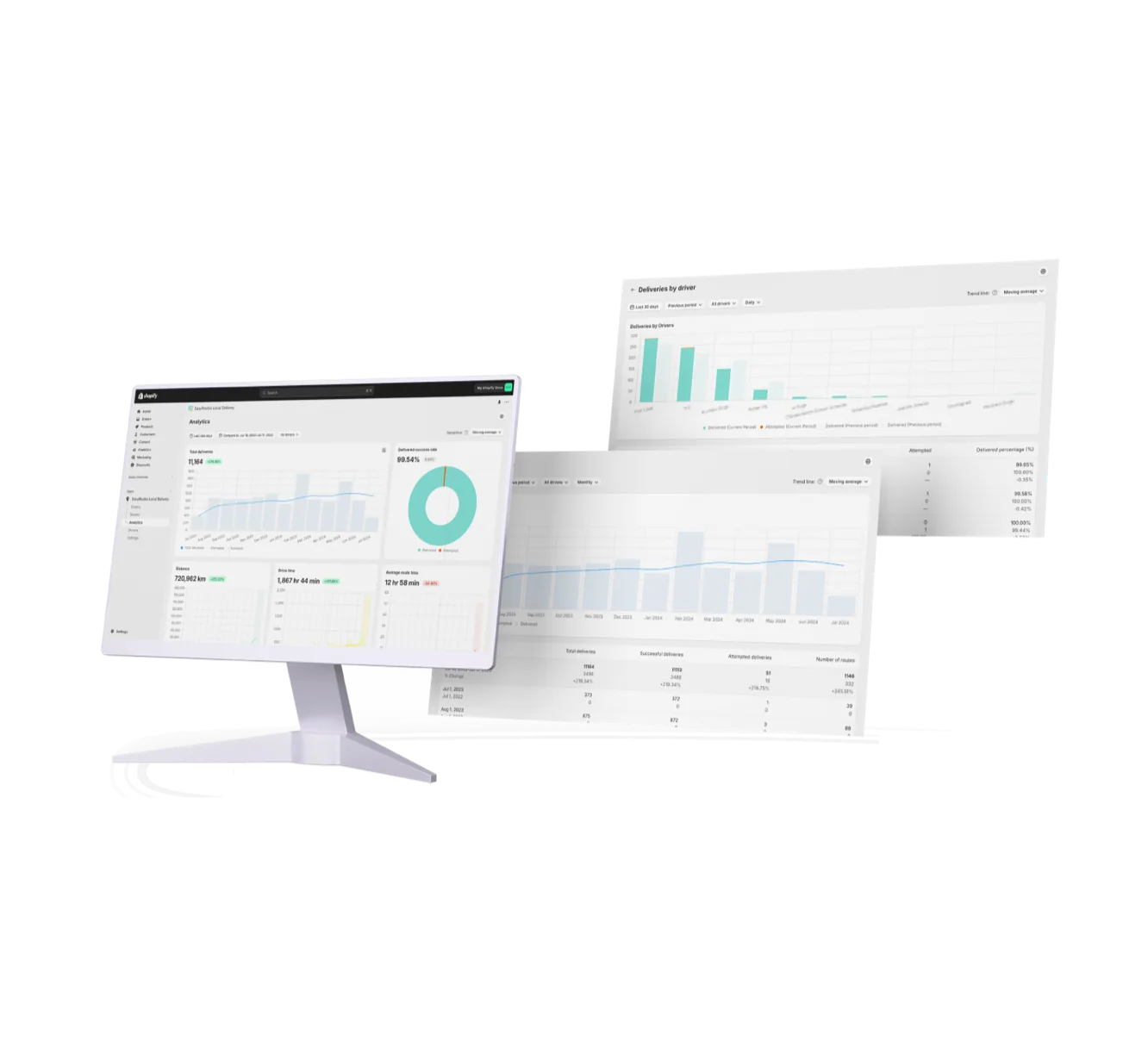
Track and improve every delivery

Monitor delivery progress in real time, review performance across your team, and uncover trends with powerful reporting. EasyRoutes helps you make data-driven decisions that scale with your operations.

"It's one of the most useful apps for my business that I have ever installed." - Bloomen

Delivery analytics →
Track and improve every delivery
12 questions

Frequently asked questions

How does EasyRoutes optimize my delivery routes?

EasyRoutes optimizes deliveries using your selected orders, start & end locations, stop time intervals, time windows, and route limits. You can balance routes, respect capacities, and re‑optimize as plans change.

See: Route Options · EasyRoutes 101

Does EasyRoutes let me avoid tolls or u-turns?

Yes. Turn on settings to avoid toll roads and u‑turns from the Route Options panel. Enable these options before planning a route, or edit the route after creation and re‑optimize to see them reflected in your route.

See: Route Options

Does EasyRoutes support vehicle capacity limits?

Absolutely. Plan with item and weight limits to reflect the capacities of your fleet. Configure and assign Vehicle Profiles for an additional indicator for routes that have specific restrictions by vehicle.

See: Routes by Vehicle Capacity · Vehicle Profiles

Does EasyRoutes support time windows for deliveries?

Yes. You can set delivery time windows per stop or import them from supported third‑party date/time apps. EasyRoutes optimizes routes to meet these windows and calculates ETAs accordingly.

See: Time Windows · Supported third-party apps

Can drivers see customer notes?

Yes. Delivery and customer notes from the order can be shown in the driver app; enable these fields in Route/Driver display settings.

See: Viewing Delivery & Customer Notes

What are the digital inventory/loading checklists and how do drivers use them?

EasyRoutes auto-builds a route inventory drivers use as a loading checklist, with Summary, Items, and Orders views in the app. See: Using the Delivery Driver app

Can I show my driver’s real-time location to customers?

Yes. On Premium/Enterprise plans you can display a live driver pin on tracking pages when the driver is 1–10 stops away.

See: Real‑Time Driver Location Tracking

What kinds of proof of delivery can EasyRoutes capture?

EasyRoutes supports delivery photos, e‑signature, driver notes, and automatic timestamps (with GPS location when available) to provide a complete delivery record.

See: Proof of Delivery

Can I set how much time a driver spends at each stop?

Yes. Use the Time per stop route option to add a service-time buffer at every stop, factored into your ETAs and route length.

How do I reschedule or redeliver a failed delivery?

Mark the stop Attempted with a reason, then use Send to another route to move it onto a new or upcoming route for redelivery.

Does EasyRoutes support white-glove or in-home assembly deliveries?

Yes, via Driver Tasks for assembly checklists, longer per-stop service time, and photo proof of the completed setup.

Can I require an order to be handed to a specific, named recipient?

There's no hard named-recipient lock, but a required Driver Task to log who received it, plus a required signature, enforces and documents it.

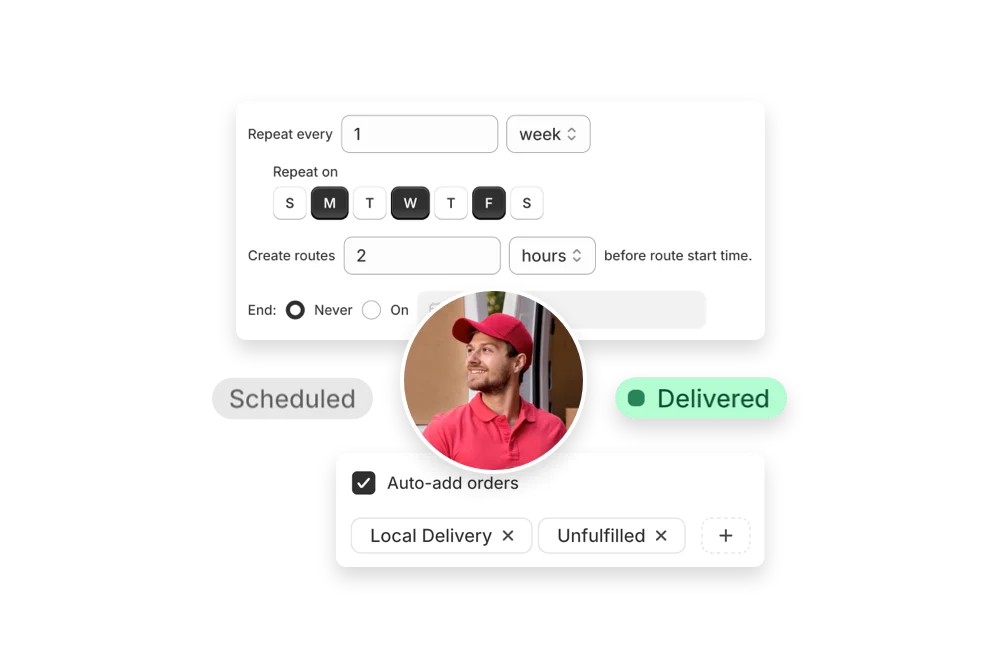
Your delivery day, planned before you get in.