














Platform / Live
Coffee Shops

Coffee local deliveries made easy

Keep the coffee hot and the service on point. Streamline coffee shop delivery to delight your customers.

No credit card required. Cancel any time.

4.9 stars · 5,000+ businesses · 75+ countries

The Million Roses
Ecofuel
Sonno
Wooftown
Slice
Home Luxury Scents
Gas Guys
Frozen Service
Organic Oren
Bloomen
Country Life
Gilly
Jomo
Redstart Foods
Sweete
Butter & Crust

EasyRoutes for coffee shops

Coffee delivery runs on other people's hours: beans before the café unlocks, catering before the meeting starts. EasyRoutes builds optimized routes around those windows instead of guessing at them.

Dispatch drivers with back-entrance notes, contact details, and a sequenced stop list in the driver app. Wholesale accounts and retail customers both get real-time tracking with live ETAs.

Proof of delivery photos confirm every bag and box that changed hands. Fewer missed openings, lower fuel costs, and cafés that keep their standing order with you.


Coffee Shops
"We LOVE EasyRoutes! It has been so incredibly helpful to our monthly subscription and home delivery business."

Powerful coffee delivery features, like:

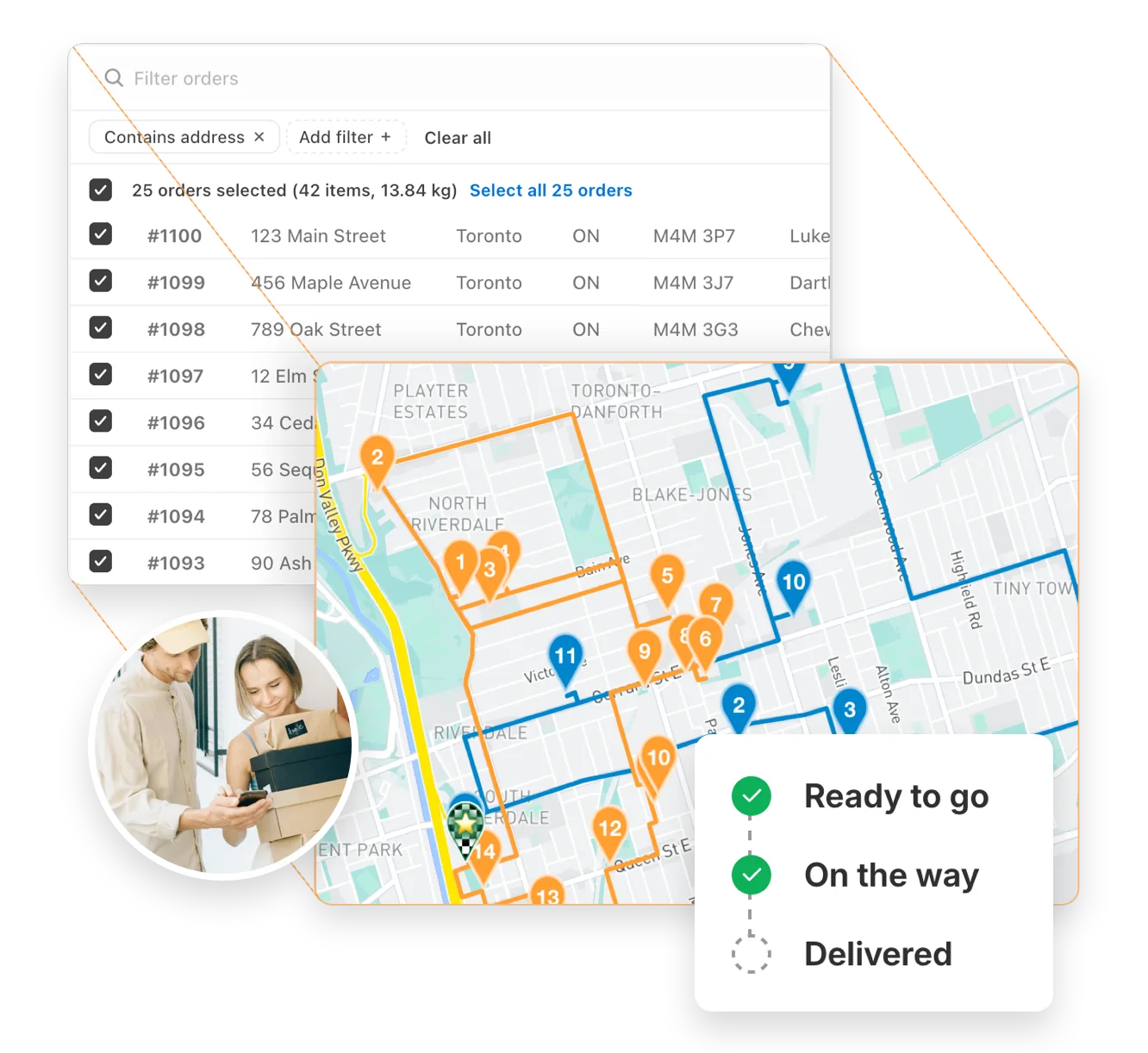
  • Route OptimizationDeliver hot coffee and pastries efficiently by planning the quickest routes. This ensures your customers receive their orders fresh and on time, maintaining quality and satisfaction.
  • Live UpdatesProvide real-time tracking and accurate ETAs for your deliveries. This keeps customers informed and helps them plan for their fresh coffee and treats.
  • Driver NotesAdd specific instructions for each delivery, such as handling fragile pastries or delivering to a specific entrance. This helps ensure orders are delivered with care.
  • Time Per StopSchedule extra time at each stop for quick hand-offs or setup, ensuring smooth and stress-free deliveries. This helps maintain great customer service.
  • Packing SlipsInclude detailed packing slips to ensure each order is accurate and complete. This reduces errors and helps customers verify their delivery.
  • Custom Start/EndPlan routes that start from your café and end at convenient locations, like your supplier or home base. This improves operational efficiency.
  • Photo ProofCapture photos as proof of delivery to confirm that orders were handed off correctly. This minimizes disputes and ensures accountability.
  • Custom StopsAdd or adjust delivery stops on the fly to accommodate last-minute orders. This flexibility helps you keep up with customer demand.
See all features →

Auto-optimize delivery routes in seconds

Instantly generate the most efficient routes directly from your orders. Save hours on manual planning and cut delivery costs with powerful, scalable routing built for businesses of every size.

"The best routing app for Shopify merchants." - Shopify

Route optimization →
Auto-optimize delivery routes in seconds

Delight customers with live delivery updates

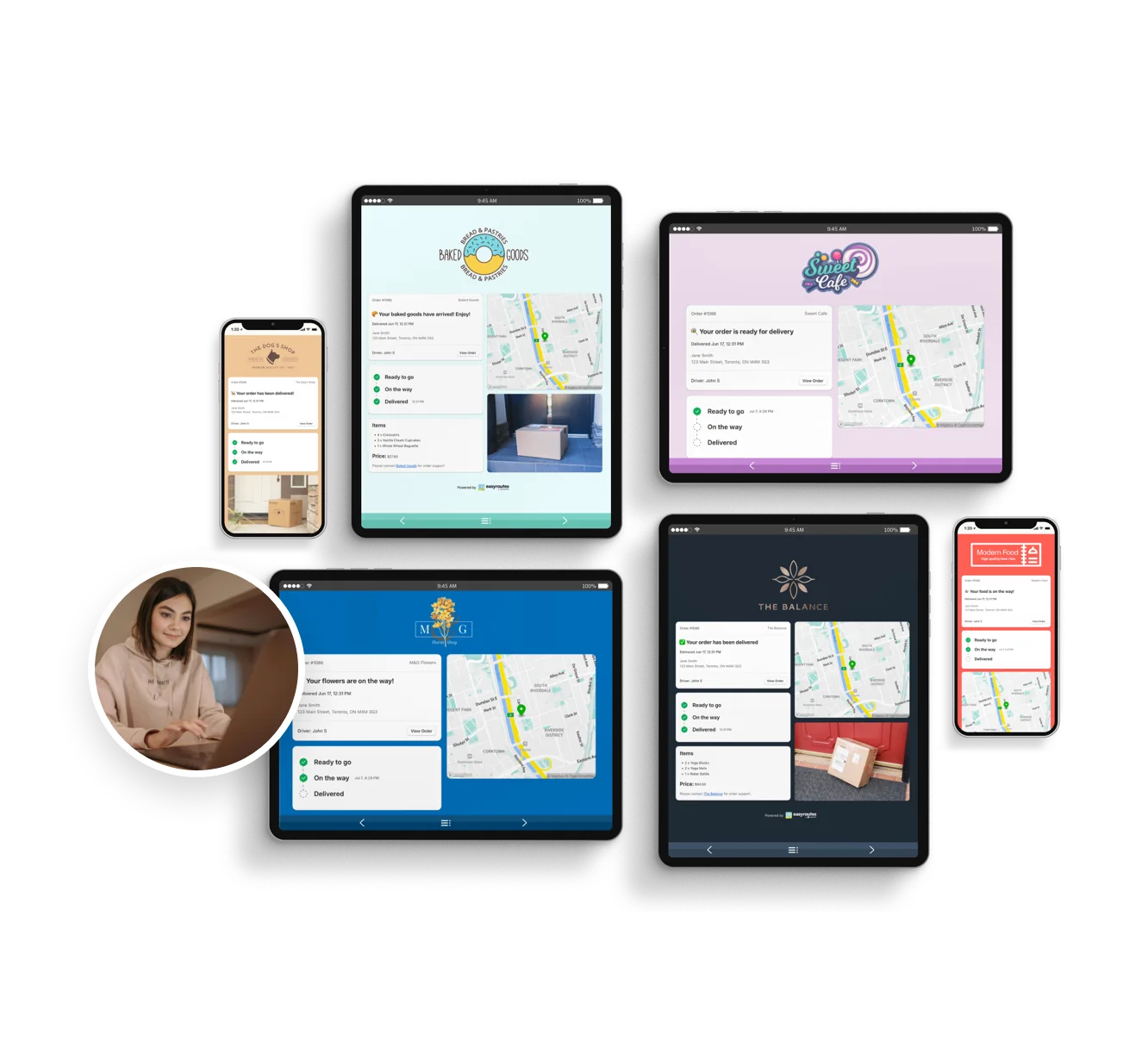
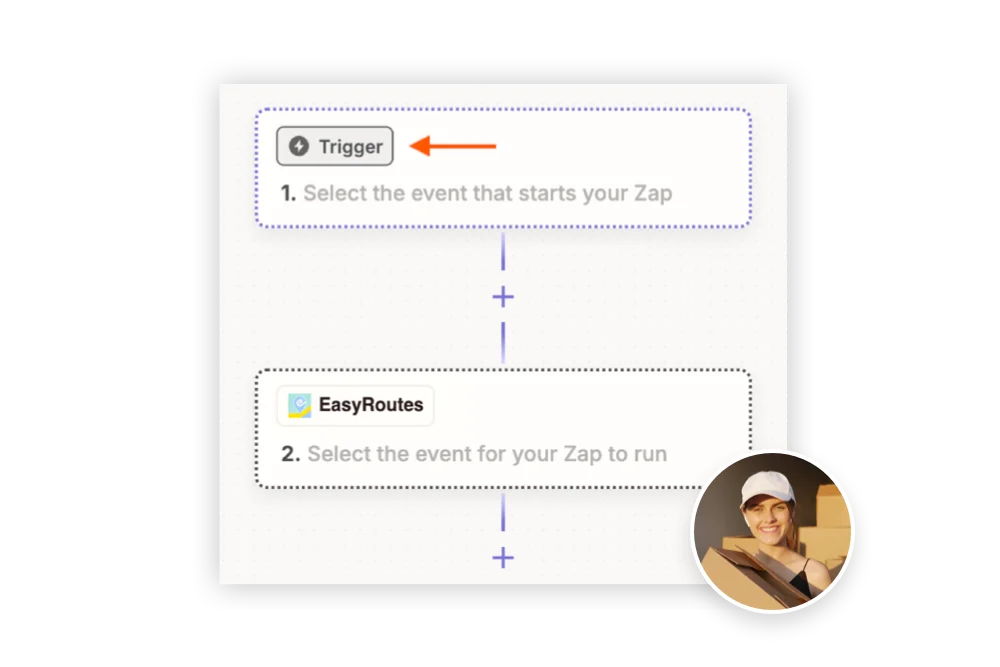
Reduce “Where’s my order?” calls with automated SMS and email notifications. EasyRoutes includes branded tracking pages that match your business — giving customers the visibility they expect.

"Customers are loving the tracking feature...No more 'When's my order coming?' phone calls." - MB Grocery

Notifications & tracking →
Delight customers with live delivery updates

Everything your drivers need in one app

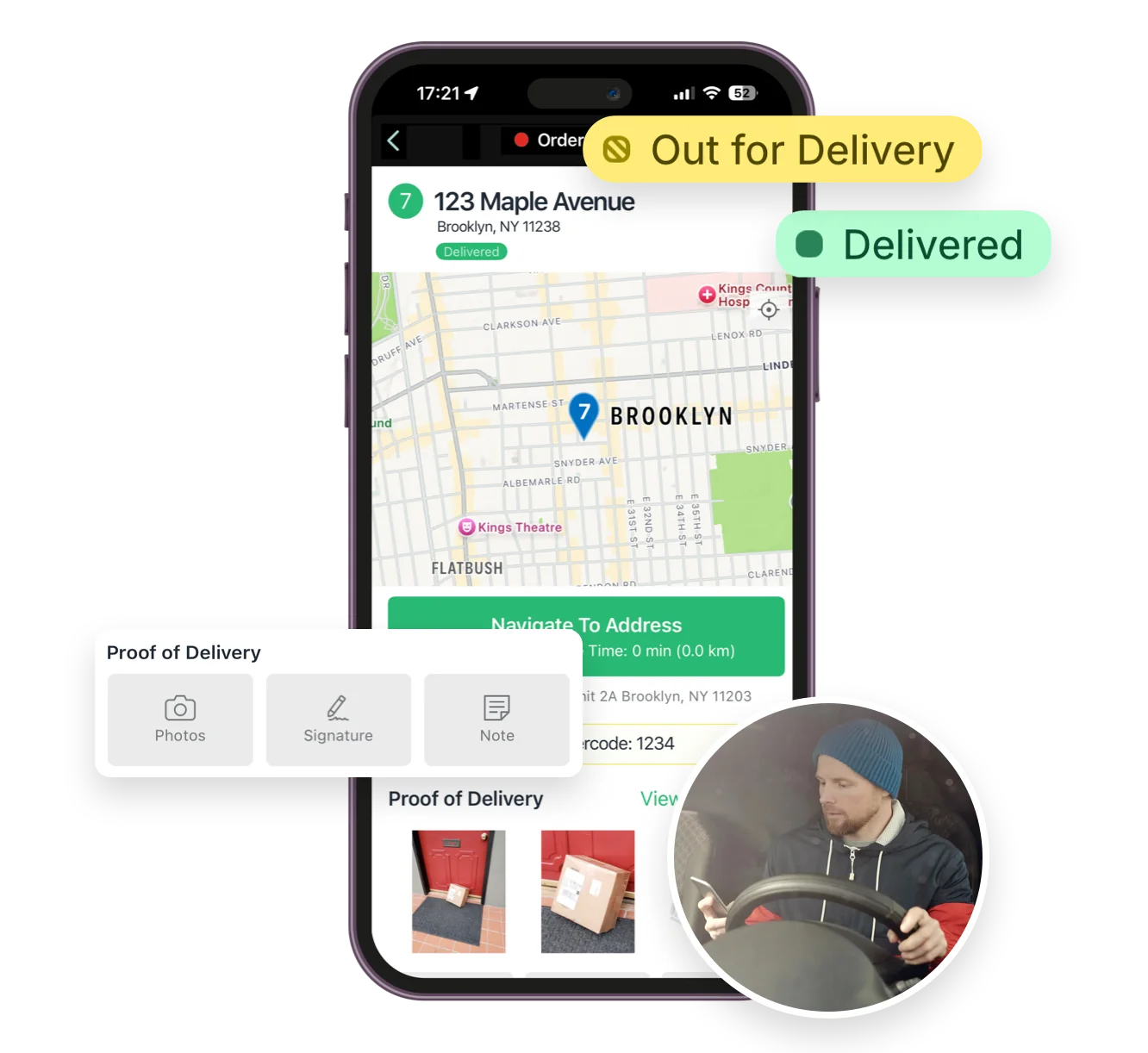
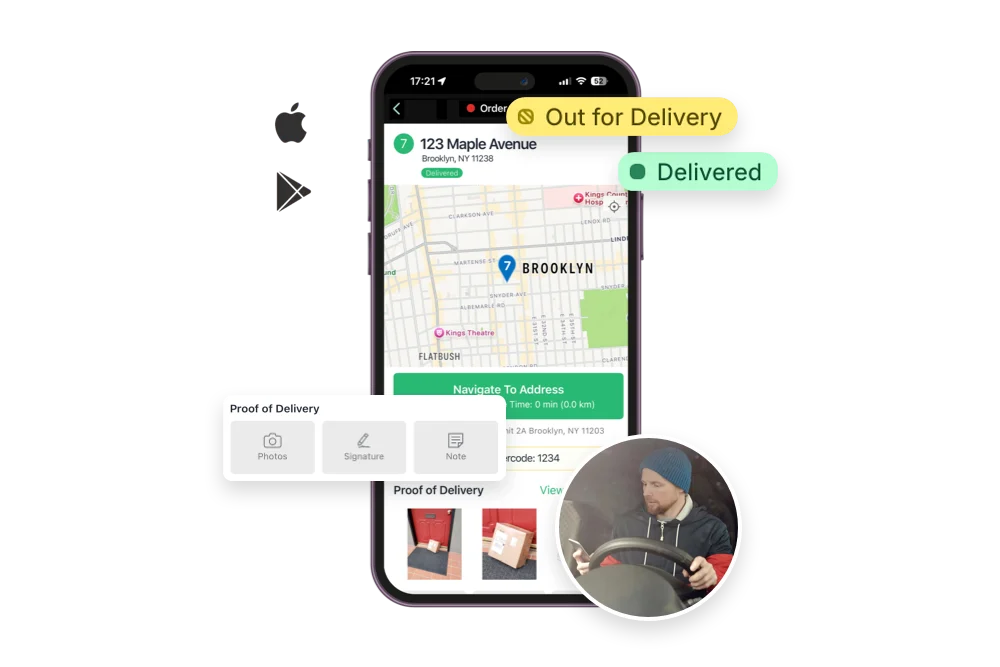
From optimized stop lists to proof of delivery, the EasyRoutes driver app gives your team all the tools they need — on iOS and Android. Turn-by-turn navigation, delivery notes, and customer info all in one place.

"I wouldn’t use any other app for my drivers!" - Solstice Savory Pies

Driver app →
Everything your drivers need in one app

Track and improve every delivery

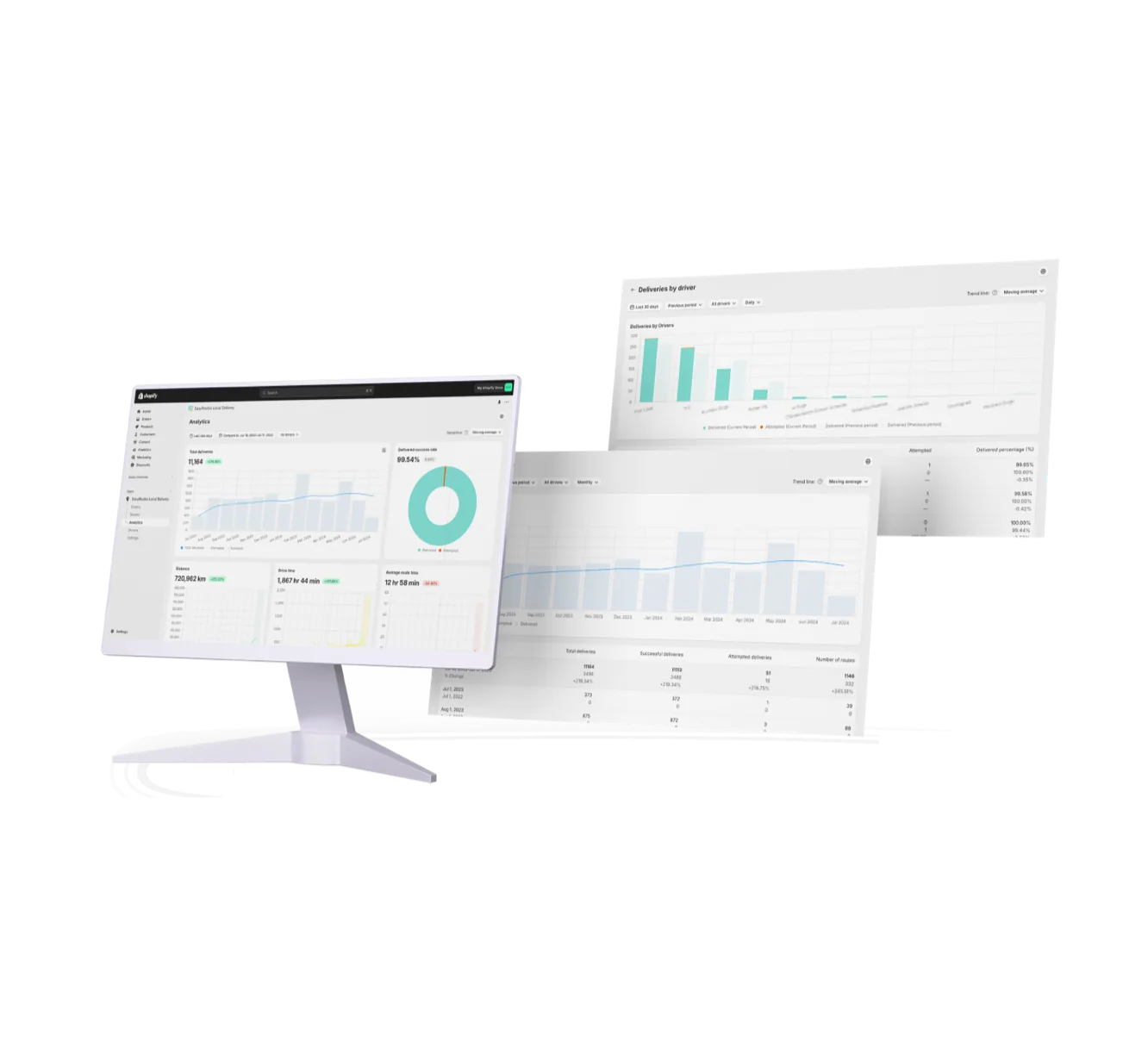
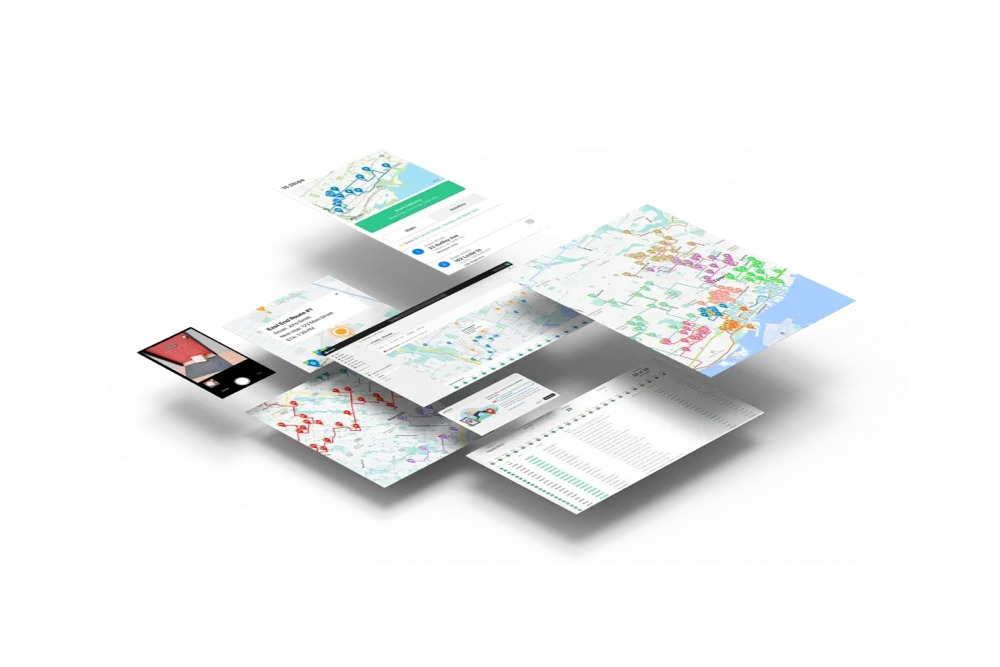
Monitor delivery progress in real time, review performance across your team, and uncover trends with powerful reporting. EasyRoutes helps you make data-driven decisions that scale with your operations.

"It's one of the most useful apps for my business that I have ever installed." - Bloomen

Delivery analytics →
Track and improve every delivery
12 questions

Frequently asked questions

How does EasyRoutes optimize my delivery routes?

EasyRoutes optimizes deliveries using your selected orders, start & end locations, stop time intervals, time windows, and route limits. You can balance routes, respect capacities, and re‑optimize as plans change.

See: Route Options · EasyRoutes 101

How do I add a custom or manual stop?

Click the + Add button under the map, choose Custom stop, and enter the stop details with a valid address. See: Add a custom stop

Does EasyRoutes support time windows for deliveries?

Yes. You can set delivery time windows per stop or import them from supported third‑party date/time apps. EasyRoutes optimizes routes to meet these windows and calculates ETAs accordingly.

See: Time Windows · Supported third-party apps

Can I manage recurring deliveries?

Yes. Automate with Workflows to create routes on a custom, recurring schedule, or duplicate prior routes and re‑use their settings/stops in just a few clicks.

See: Workflows · Duplicate routes

Can drivers see customer notes?

Yes. Delivery and customer notes from the order can be shown in the driver app; enable these fields in Route/Driver display settings.

See: Viewing Delivery & Customer Notes

Can I set specific start and end locations for my routes?

Yes. Define custom start and end points per route so planning and ETAs include travel to and from these locations. Supported in EasyRoutes for Shopify and EasyRoutes for Web.

See: Start/End Locations

Can I show my driver’s real-time location to customers?

Yes. On Premium/Enterprise plans you can display a live driver pin on tracking pages when the driver is 1–10 stops away.

See: Real‑Time Driver Location Tracking

What kinds of proof of delivery can EasyRoutes capture?

EasyRoutes supports delivery photos, e‑signature, driver notes, and automatic timestamps (with GPS location when available) to provide a complete delivery record.

See: Proof of Delivery

Can I set how much time a driver spends at each stop?

Yes. Use the Time per stop route option to add a service-time buffer at every stop, factored into your ETAs and route length.

Does EasyRoutes support contactless or leave-at-door delivery?

Yes. Drivers can complete a stop without a signature by capturing a photo, GPS location, and note as proof the order was left safely.

How do I reschedule or redeliver a failed delivery?

Mark the stop Attempted with a reason, then use Send to another route to move it onto a new or upcoming route for redelivery.

How do I give drivers cold-chain or cooler-handling instructions for temperature-sensitive orders?

Add handling instructions as stop or customer notes, and use required Driver Tasks (e.g., "placed in cooler") so drivers confirm each step.

Your delivery day, planned before you get in.