













Platform / Live

EasyRoutes vs. RouteSavvy: Basic Route Planning vs. Complete Delivery Management

Compare EasyRoutes with RouteSavvy. RouteSavvy offers basic route optimization, but EasyRoutes is a complete delivery platform—with proof of delivery, packing tools, driver tracking, customer notifications, and native Shopify integration.

No credit card required. Cancel any time.

4.9 stars · 5,000+ businesses · 75+ countries

The Million Roses
Ecofuel
Sonno
Wooftown
Slice
Home Luxury Scents
Gas Guys
Frozen Service
Organic Oren
Bloomen
Country Life
Gilly
Jomo
Redstart Foods
Sweete
Butter & Crust

Built for Merchants, Not Just Route Planners

If you're comparing EasyRoutes to RouteSavvy, you're likely looking for more than just a basic route planner. RouteSavvy is an affordable tool for optimizing multi-stop routes, but it stops there—it doesn't include delivery management, customer communication, or eCommerce integration. EasyRoutes is built for merchants and delivery teams who need route planning, packing, dispatch, proof of delivery, and customer tracking in one platform.

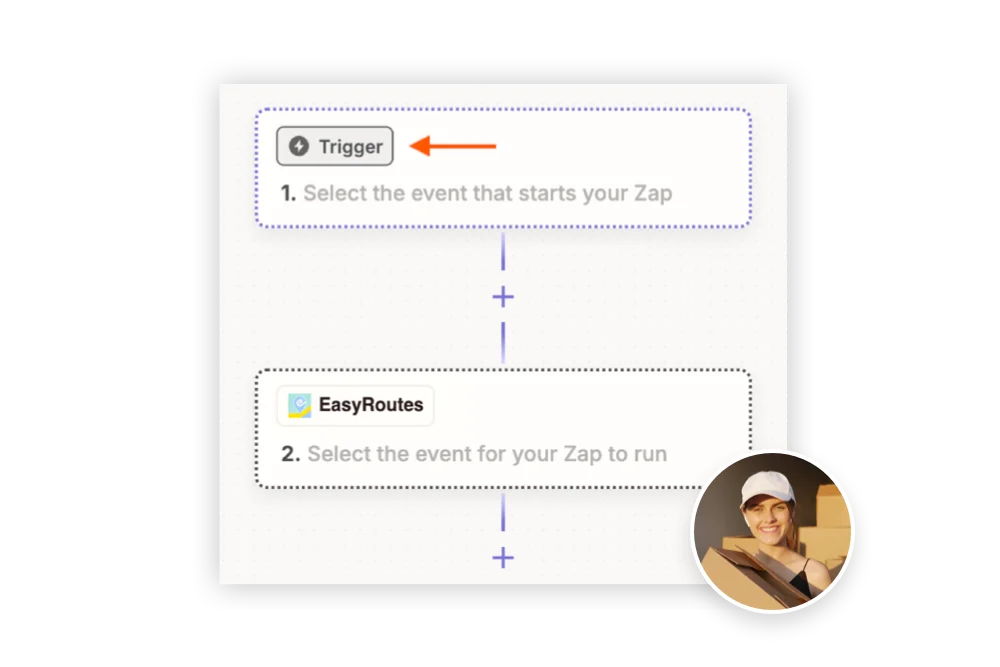
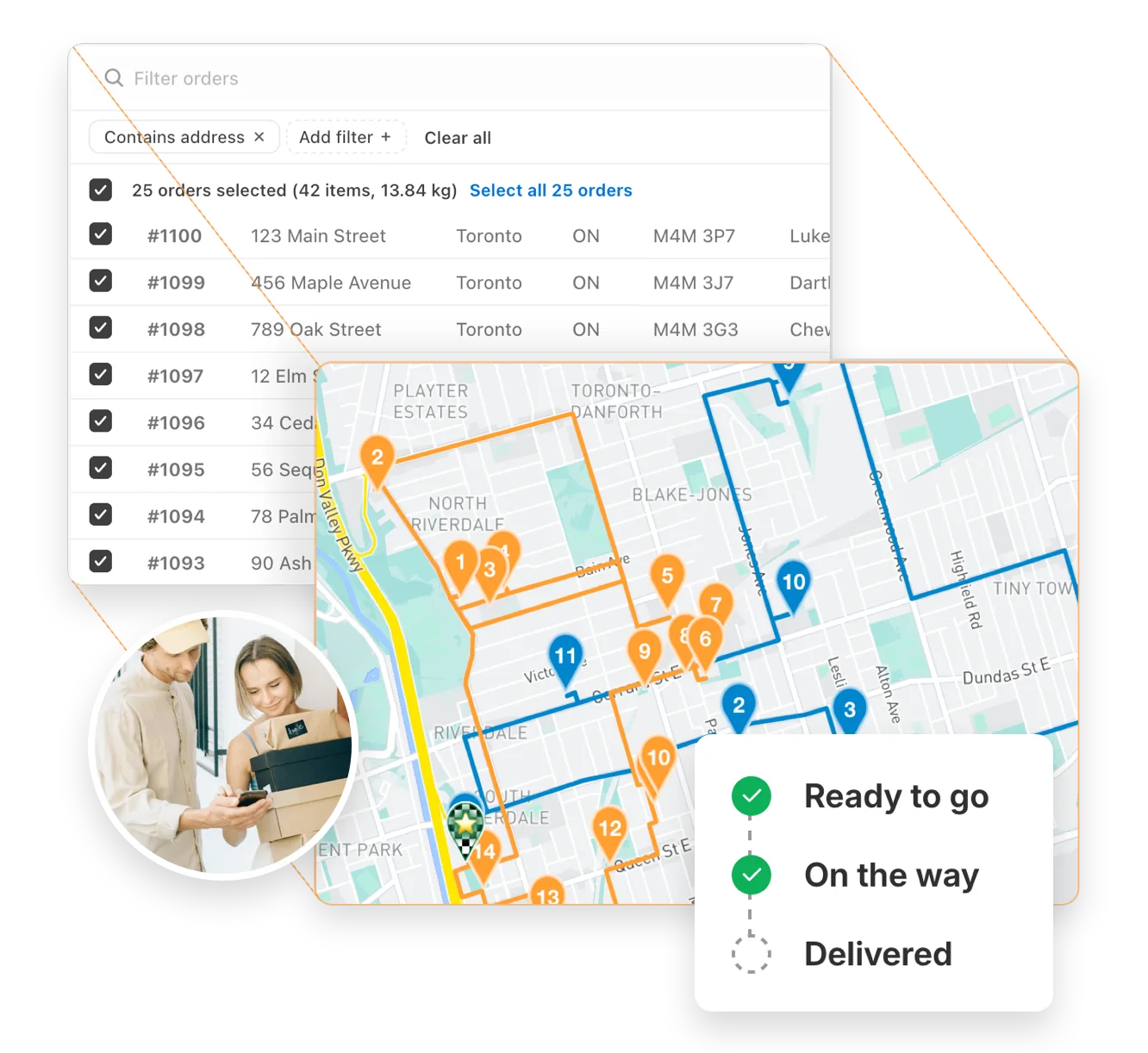
With EasyRoutes, you're not just planning routes—you're managing the full delivery workflow. From optimized routing and packing slips to real-time driver tracking and branded customer notifications, EasyRoutes does it all. Import orders from Shopify, BigCommerce, WooCommerce, and other leading eCommerce platforms, as well as spreadsheets, or any source via API or Zapier.
Built for Merchants, Not Just Route Planners

Why Delivery Teams Upgrade from RouteSavvy to EasyRoutes

1) Native Shopify Integration + Web Version Flexibility

EasyRoutes for Shopify: Fully integrated with your Shopify store. Orders, products, tags, and delivery data sync automatically.

EasyRoutes for Web: Import orders via CSV, Zapier, or API for delivery businesses not using Shopify.

❌ RouteSavvy has no eCommerce integration—no Shopify, BigCommerce, or WooCommerce. EasyRoutes connects directly to your online store and pulls orders into optimized routes with a single click.

1) Native Shopify Integration + Web Version Flexibility

2) End-to-End Delivery Tools Included

EasyRoutes is more than a route planner. It includes:

❌ RouteSavvy is a route planner only—it lacks proof of delivery, customer notifications, branded tracking pages, packing slips, and a dedicated driver delivery app. EasyRoutes includes all of these by default.

  • Optimized multi-driver route planning with delivery zones and time windows
  • Built-in packing slips with product-level order visibility per stop
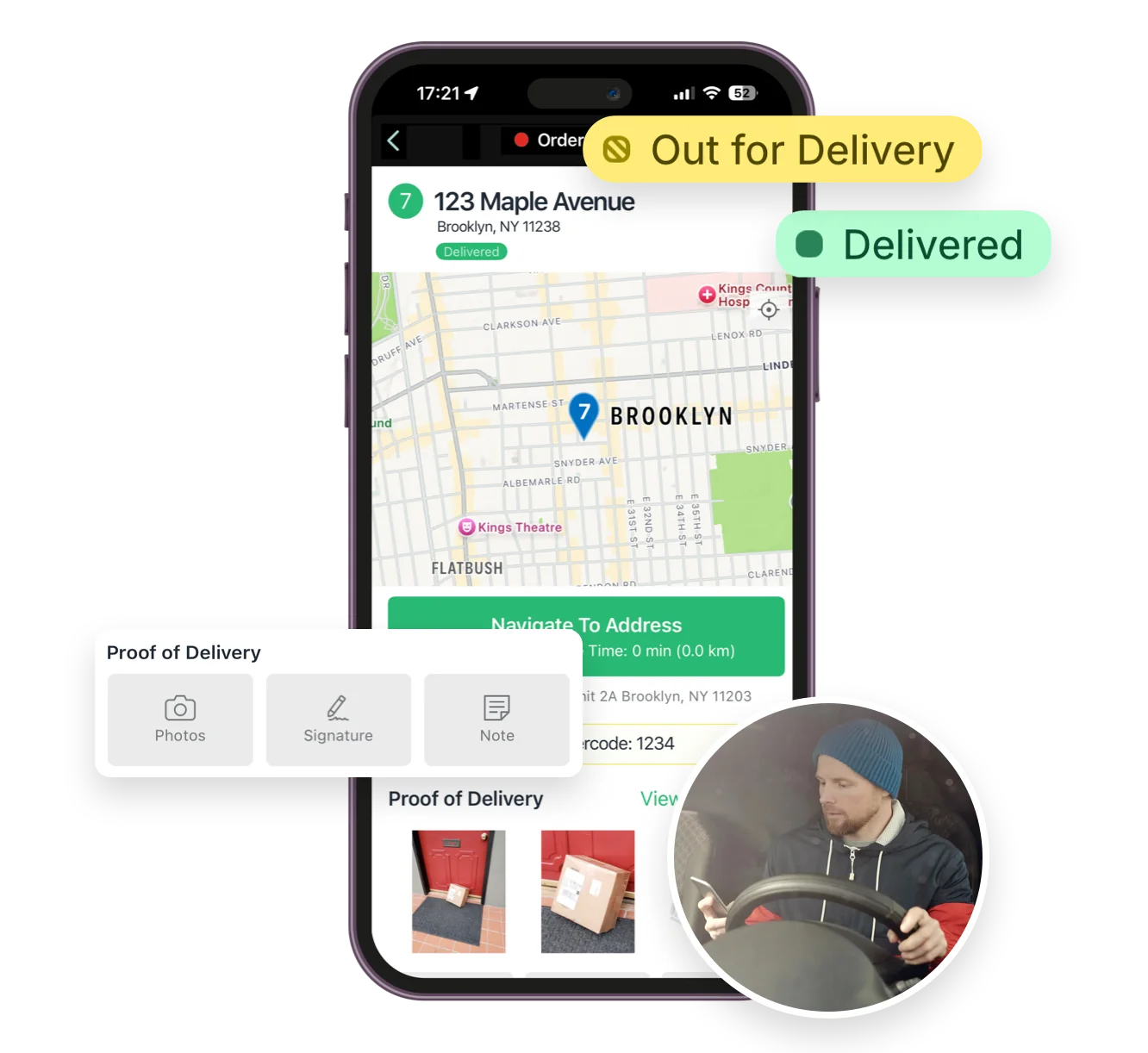
  • Proof of delivery with photos, eSignature, and delivery notes
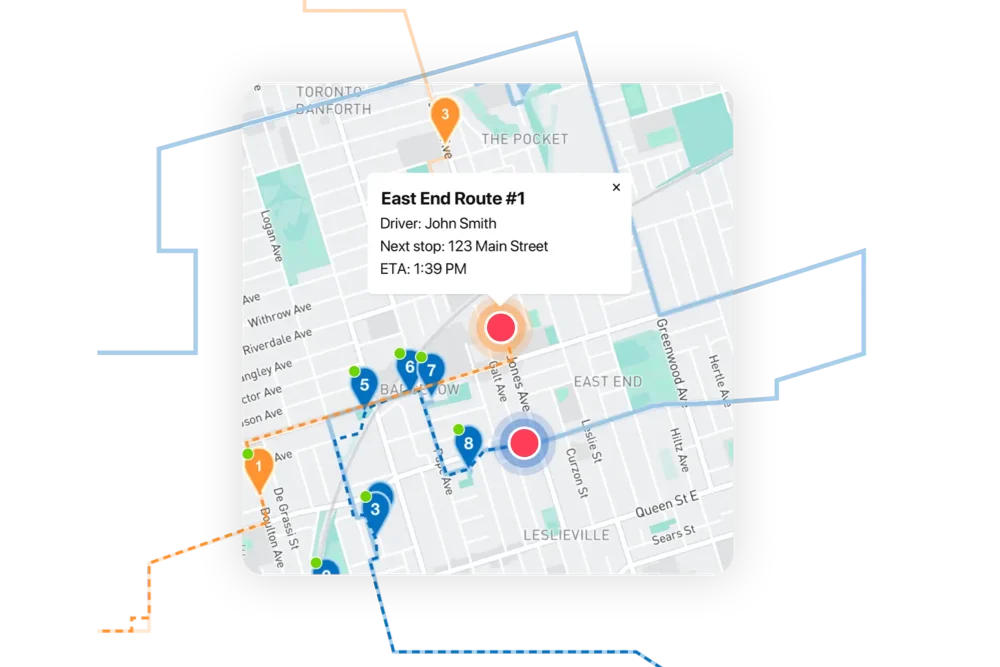
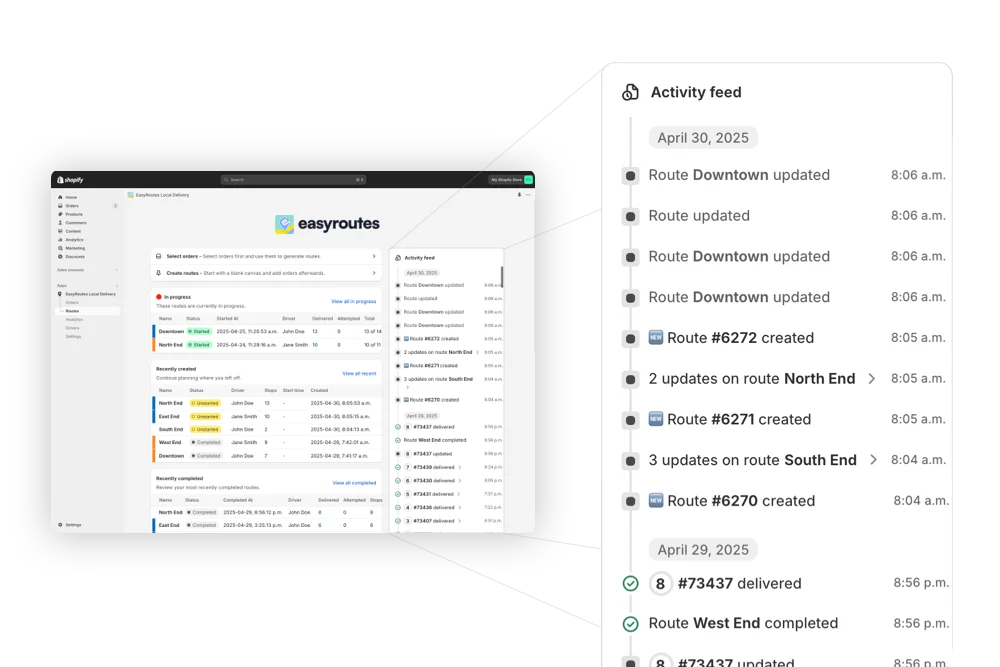
  • Real-time GPS driver tracking and a live dispatcher map
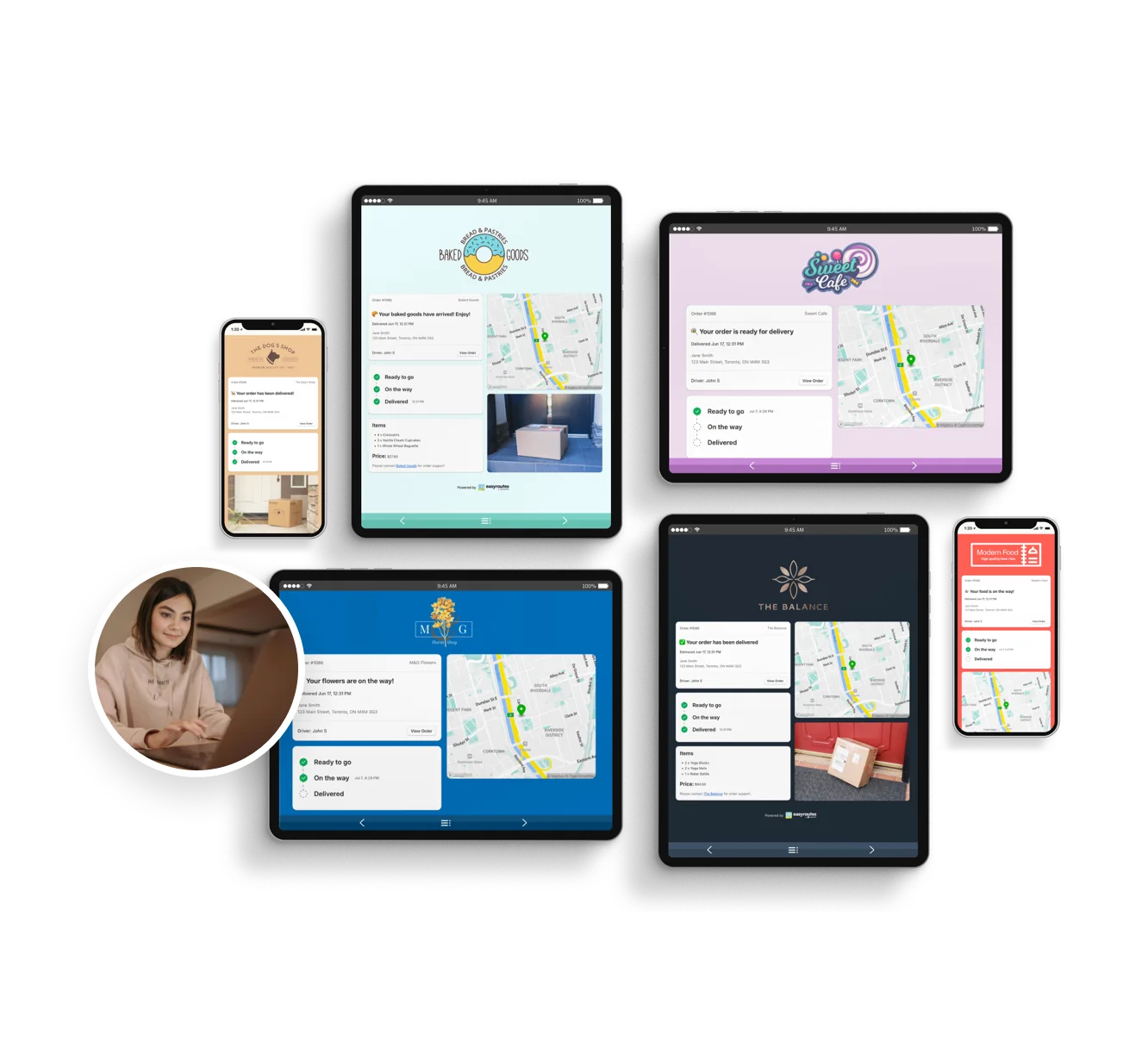
  • Branded customer tracking pages with live ETAs and email/SMS alerts
2) End-to-End Delivery Tools Included

3) Designed for Delivery Teams, Not Just Drivers

❌ RouteSavvy shares routes via email or printout with no driver app workflow, no dispatch tools, and no delivery coordination features. EasyRoutes gives your team a purpose-built delivery experience.

  • Drag-and-drop route editing with route groups and smart splitting
  • Drivers see full order details, product lists, and delivery instructions
  • Claimable route links for flexible, part-time, or seasonal drivers
  • One-click dispatch via the EasyRoutes Delivery Driver mobile app
  • Per-stop task checklists and barcode scanning for delivery accuracy
3) Designed for Delivery Teams, Not Just Drivers

4) Transparent, Predictable Pricing

❌ RouteSavvy uses credit-based pricing starting at $30/month, plus a $99 activation fee. Overages add $30 per 30-credit block, and GPS tracking costs extra. EasyRoutes offers flat-rate, all-inclusive pricing from $39/month per driver—with a free plan and no activation fees.

  • Free plan for up to 50 deliveries/month
  • Drivers see full order details, product lists, and delivery instructions
  • No activation fees, credit limits, or GPS tracking add-ons
  • All-inclusive pricing with no usage surprises
4) Transparent, Predictable Pricing

Who Should Choose EasyRoutes Over RouteSavvy?

EasyRoutes gives you more than just optimized routes. It gives you a complete last-mile delivery hub—from route planning to dispatch to proof of delivery.

Join thousands of delivery-focused businesses—including florists, bakeries, grocery subscriptions, and meal kits—who trust EasyRoutes to power their local deliveries.

  • Shopify merchants doing local deliveries
  • Teams that need packing, routing, dispatch, and delivery in one place
  • Delivery managers who want driver accountability (POD, GPS, task checklists)
  • Anyone tired of juggling spreadsheets, APIs, or expensive usage tiers
Who Should Choose EasyRoutes Over RouteSavvy?

How to Move from RouteSavvy to EasyRoutes

  • Try it free for 14 days—no commitment required
  • If you're using Shopify, just install the app and sync your orders
  • If you're not on Shopify, import a CSV or connect via Zapier
  • Our support team is here to help you migrate routes, drivers, and workflows
How to Move from RouteSavvy to EasyRoutes
11 questions

Frequently asked questions

Does EasyRoutes offer training?

Yes. We provide step‑by‑step help docs, videos, and email support during business hours; Enterprise receives priority onboarding and dedicated support.

See: Getting Started · Support Portal

Can I import orders into EasyRoutes from spreadsheets?

Yes. Import orders by CSV in Shopify or Web, including item‑level quantities and weights for capacity planning.

See: CSV Import

Can I re-optimize a route after it’s created?

Yes. Re‑optimize at any time — after adding or removing stops, changing stop priorities, editing route options, or balancing loads. Drivers can also re-optimize routes delivered out of order, or re‑order stops if enabled from your EasyRoutes Settings.

See: Re‑optimize a route · Re‑ordering stops

Are proof-of-delivery captures geo-stamped / GPS-tagged?

Yes. With location capture enabled, each proof-of-delivery entry is recorded with the driver’s GPS location and a timestamp. See: Proof of Delivery

Do packing slips and labels include scannable QR codes or barcodes?

Yes. You can add scannable EasyRoutes QR codes to packing slips and labels from Settings > Packing Slips & Labels. See: Barcode scanning

Can I notify customers of delivery delays with EasyRoutes?

Yes. Use the customizable Rescheduled notification (email/SMS) to explain delays, provide a new ETA/date, and include the tracking link.

See: Delivery Notifications

What real-time tracking data can I see as an admin?

The route’s Tracking tab shows live driver location, recent path, next/current stop, and real‑time stop status, completion times, and proof of delivery events.

See: Real-Time Driver Location Tracking · Activity Feed

Does the app send push notifications for new routes?

Yes. When a route is dispatched and assigned, the driver receives a push notification with a shortcut into the route (requires notification permission).

See: Route Dispatch

Can I auto-dispatch routes to my drivers?

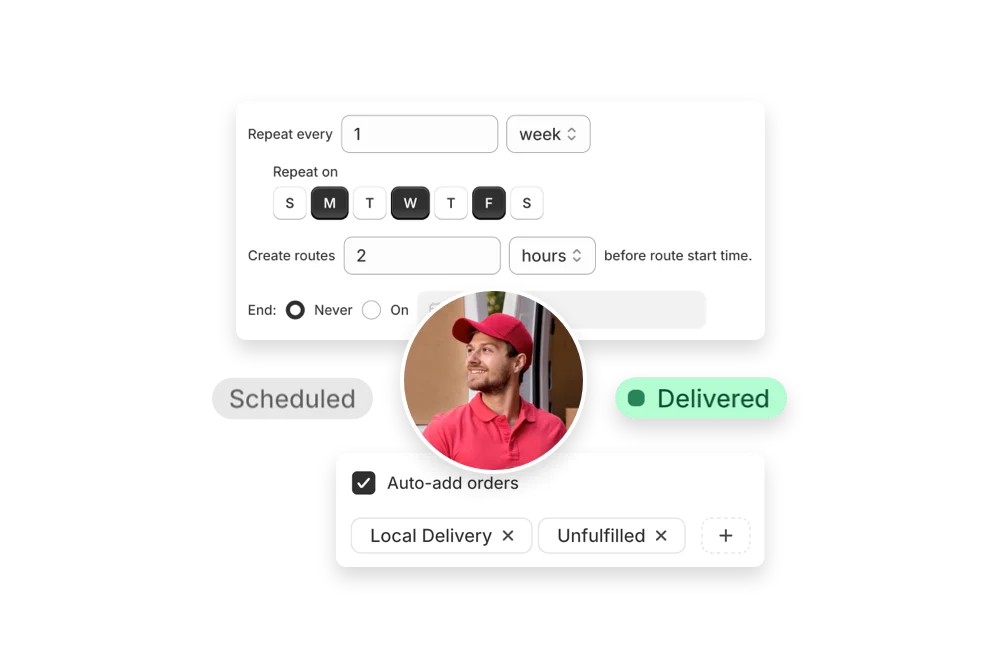
Yes. If a scheduled start time is set, routes can be auto‑assigned and dispatched to the selected driver when created.

See: Auto‑Dispatch

How do I change my plan?

You can change your plan at any time in your EasyRoutes settings by following the instructions in this EasyRoutes help article. Any active drivers and seats you have on your current plan will also be changed to the new plan's monthly price.

See: Change your plan · Prorated plan changes

What data does Delivery Analytics provide?

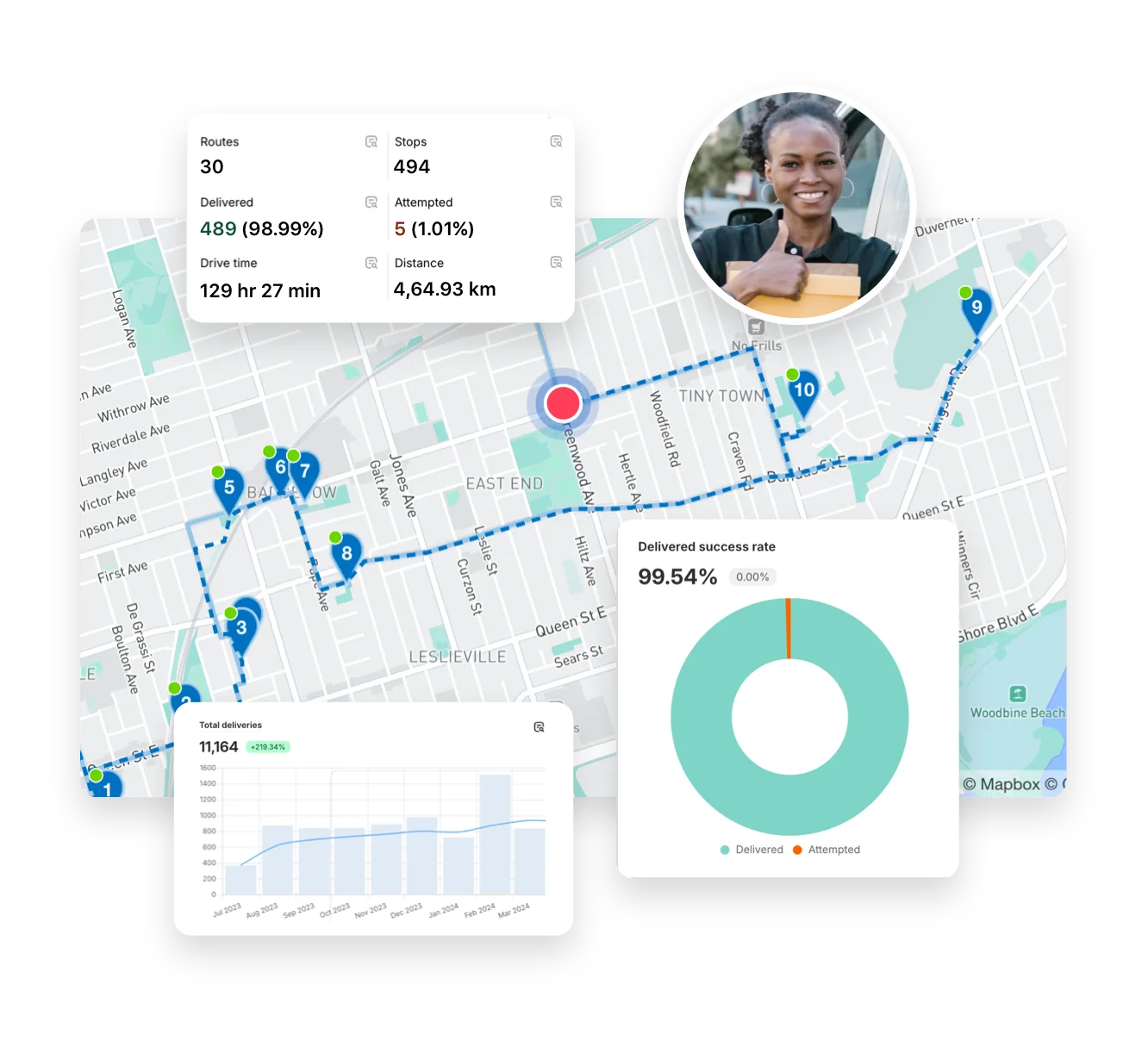
Delivery Analytics shows totals and trends for stops and routes, including completed vs. missed deliveries, average delivery time, per‑driver performance, and route metrics over a chosen period.

See: Delivery Analytics

Your delivery day, planned before you get in.