













Platform / Live
Bringg

EasyRoutes vs. Bringg: The Better Choice for Local Delivery Teams

Compare EasyRoutes with Bringg. EasyRoutes offers route optimization, driver tracking, and proof of delivery—plus Shopify-native integration, claimable routes, and built-in fulfillment tools, without the enterprise complexity or price tag.

No credit card required. Cancel any time.

4.9 stars · 5,000+ businesses · 75+ countries

The Million Roses
Ecofuel
Sonno
Wooftown
Slice
Home Luxury Scents
Gas Guys
Frozen Service
Organic Oren
Bloomen
Country Life
Gilly
Jomo
Redstart Foods
Sweete
Butter & Crust

Built for Merchants, Not Just Route Planners

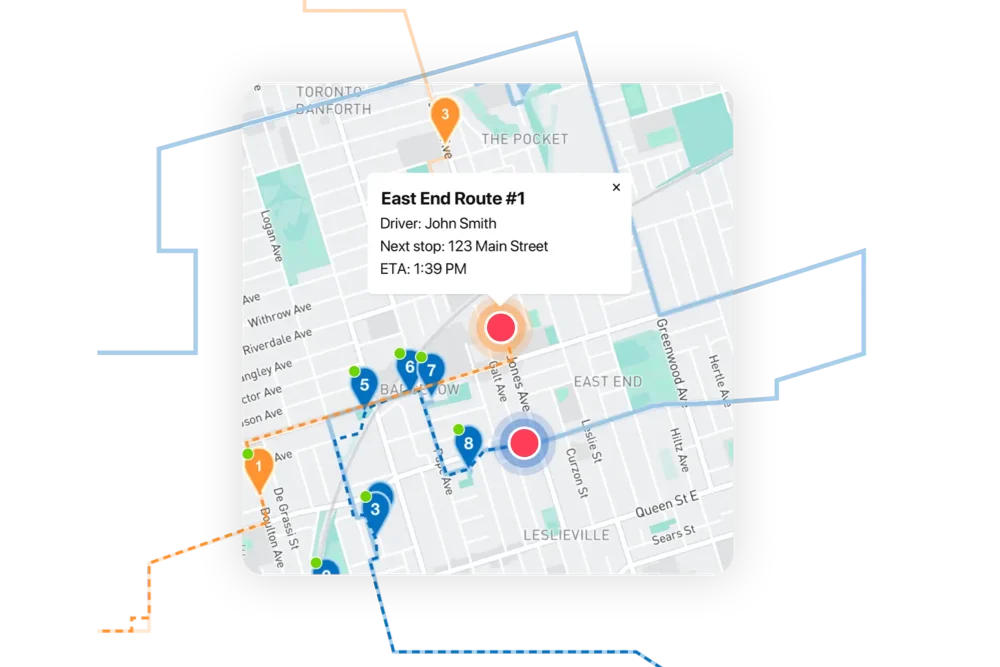
If you're comparing EasyRoutes to Bringg, you're likely trying to manage local deliveries without an enterprise IT department. Bringg is powerful—but built for global fleets. EasyRoutes is a better fit for Shopify merchants and local teams that want fast setup, predictable pricing, and depot-to-doorstep delivery workflows, all in one place.

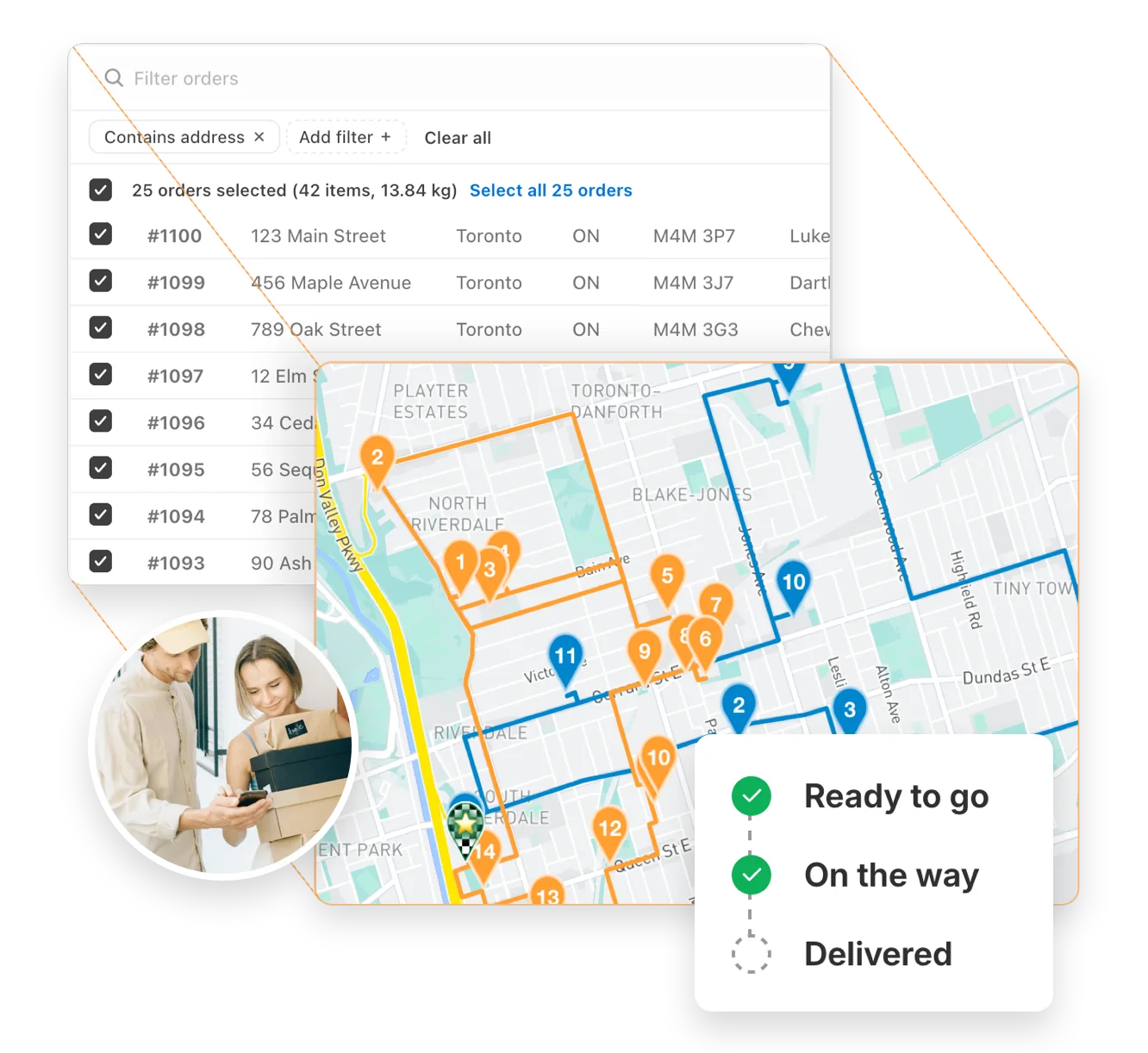
EasyRoutes includes optimized routing, driver tracking, proof of delivery, Shopify-native sync, and customizable notifications—plus built-in packing lists, team management tools, and pricing that scales as your business grows. Import orders from BigCommerce, WooCommerce, and other leading eCommerce platforms, as well as spreadsheets, or any source via API or Zapier.
Built for Merchants, Not Just Route Planners

Why Teams Switch from Bringg to EasyRoutes

1) Native Shopify Integration + Web Version Flexibility

EasyRoutes for Shopify: Fully integrated with your Shopify store. Orders, products, tags, and delivery data sync automatically.

EasyRoutes for Web: Import orders via CSV, Zapier, or API for delivery businesses not using Shopify.

❌ Bringg requires custom setup and API integration to connect to Shopify. EasyRoutes installs in seconds and works directly from your Shopify admin.

1) Native Shopify Integration + Web Version Flexibility

2) End-to-End Delivery Tools Included

EasyRoutes is more than a route planner. It includes:

❌ Bringg lacks native packing slips, per-stop product visibility, and claimable routes. EasyRoutes includes these fulfillment tools out-of-the-box.

  • Optimized routes pulled directly from Shopify or spreadsheets
  • Auto-generated packing lists and item-level order visibility
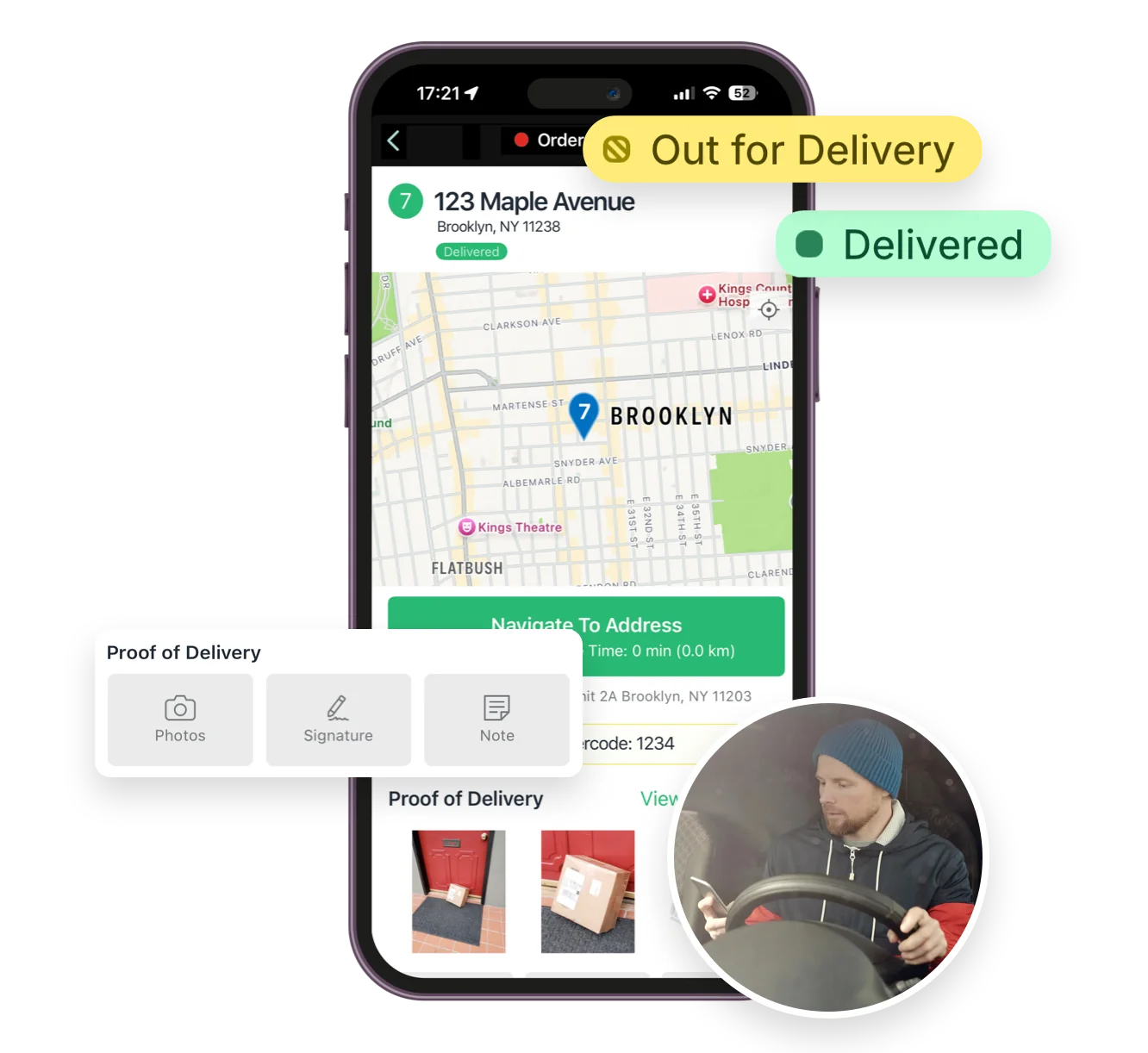
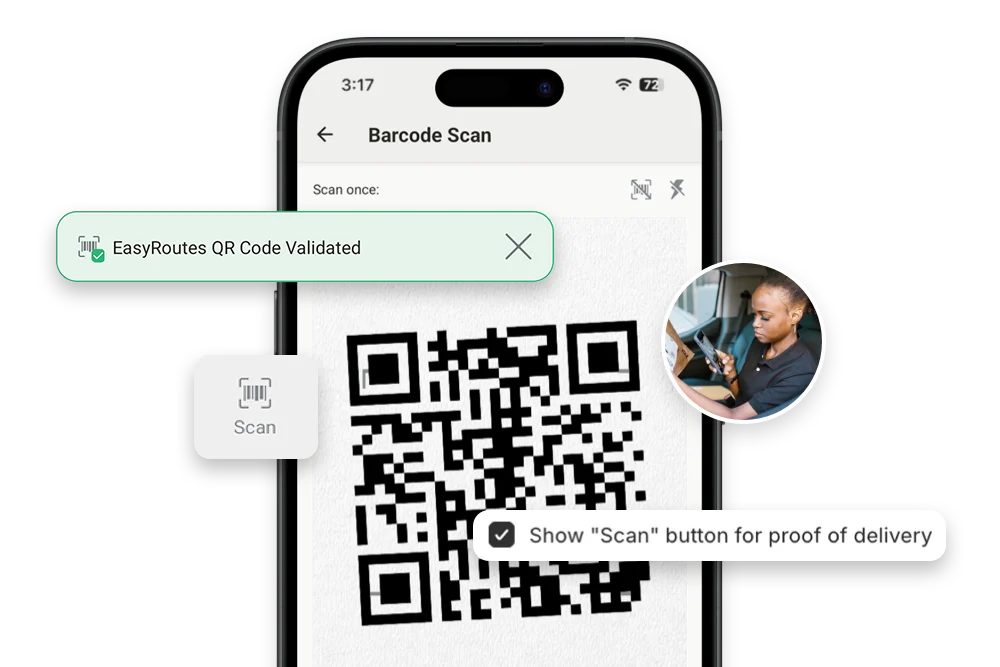
  • Proof of delivery with photos, signature, and delivery notes
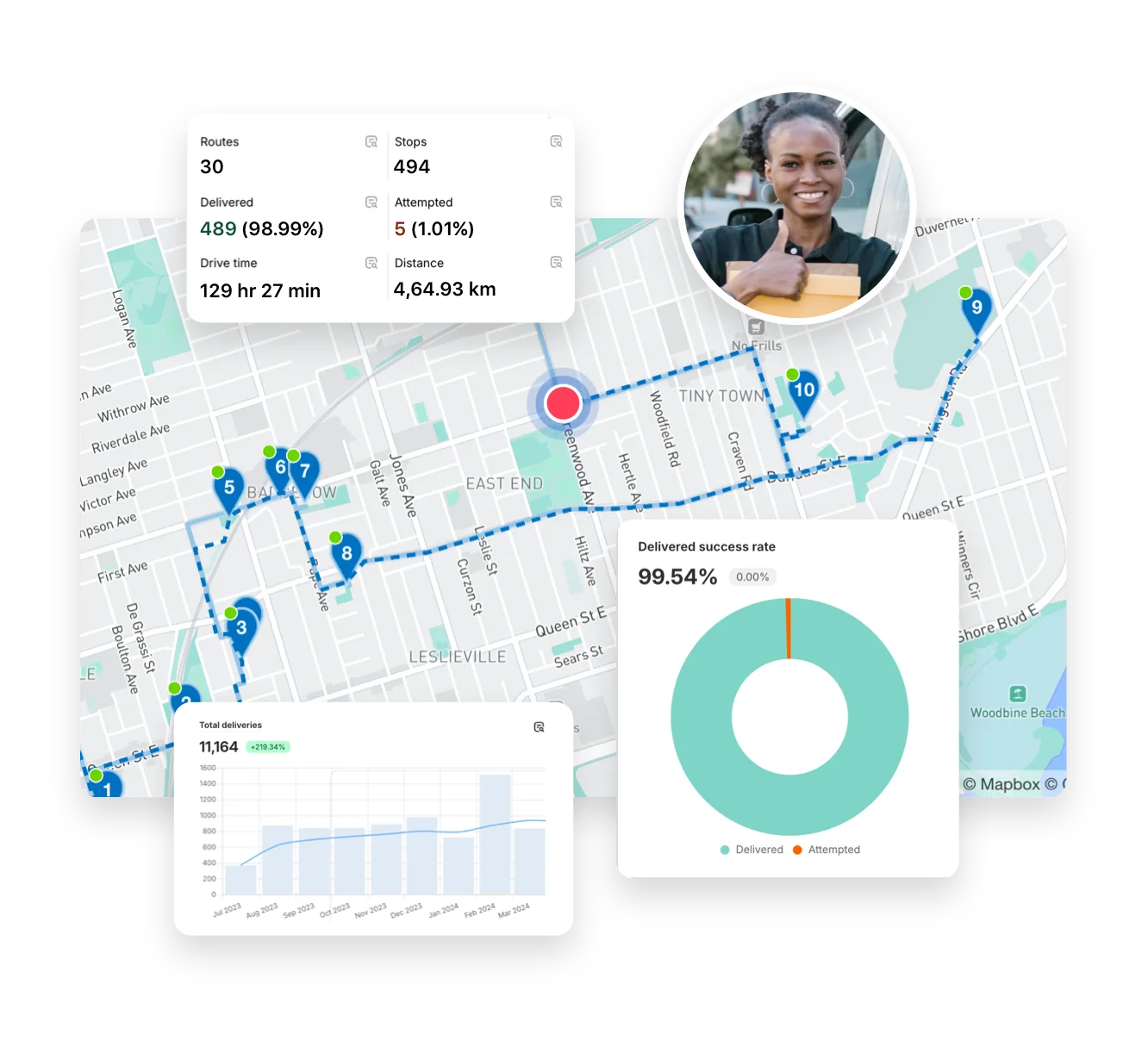
  • Live GPS tracking for dispatchers and customer-facing tracking links
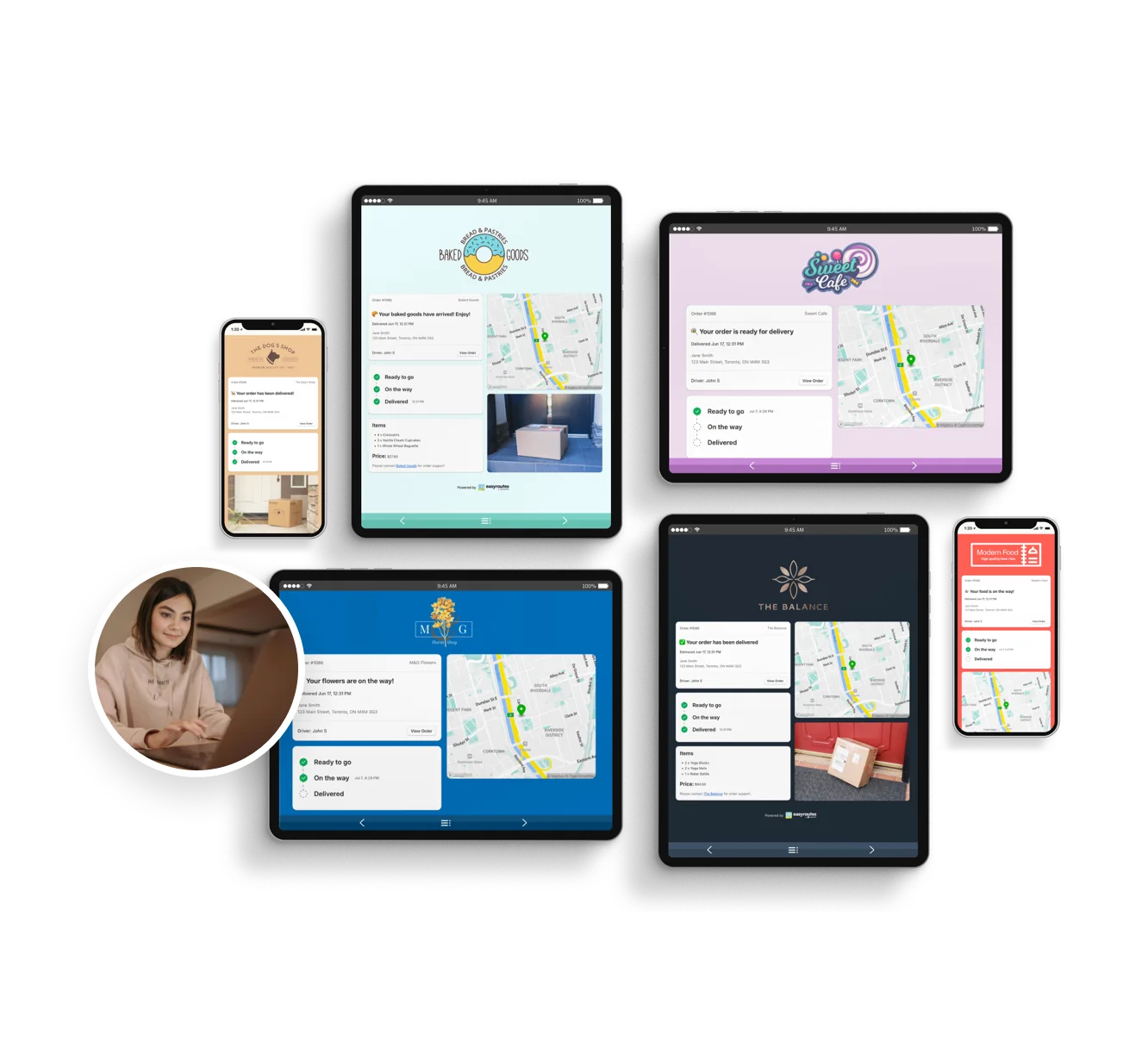
  • Branded tracking pages and email/SMS alerts with no setup
2) End-to-End Delivery Tools Included

3) Designed for Delivery Teams, Not Just Drivers

❌ Bringg relies on dispatcher-assigned delivery workflows. EasyRoutes supports claimable routes and flexible team models with no added cost.

  • Simple drag-and-drop route editing and assignment
  • Drivers view customer details, order contents, and special notes
  • Claimable route links for flexible and part-time teams
  • Built-in checklists for delivery tasks at each stop
  • No login needed—send routes to drivers via shareable links
3) Designed for Delivery Teams, Not Just Drivers

4) Transparent, Predictable Pricing

❌ Bringg is quote-only, enterprise-focused, and requires multi-seat commitments. EasyRoutes offers upfront pricing and scales with your team.

  • Free plan for up to 50 deliveries/month
  • Drivers view customer details, order contents, and special notes
  • No contracts, surprise fees, or sales calls required
  • Transparent pricing with no-strings free trial
4) Transparent, Predictable Pricing

Who Should Choose EasyRoutes Over Bringg?

EasyRoutes gives you more than just optimized routes. It gives you a complete last-mile delivery hub—from route planning to dispatch to proof of delivery.

Join thousands of delivery-focused businesses—including florists, bakeries, grocery subscriptions, and meal kits—who trust EasyRoutes to power their local deliveries.

  • Shopify merchants doing local deliveries
  • Teams that need packing, routing, dispatch, and delivery in one place
  • Delivery managers who want driver accountability (POD, GPS, task checklists)
  • Anyone tired of juggling spreadsheets, APIs, or expensive usage tiers
Who Should Choose EasyRoutes Over Bringg?

How to Move from Bringg to EasyRoutes

  • Try it free for 14 days—no commitment required
  • If you're using Shopify, just install the app and sync your orders
  • If you're not on Shopify, import a CSV or connect via Zapier
  • Our support team is here to help you migrate routes, drivers, and workflows
How to Move from Bringg to EasyRoutes
11 questions

Frequently asked questions

How quickly can I get started?

Most teams connect, fetch orders, and create their first optimized route in under an hour. Follow the suggestions in the Getting Started guide found in the EasyRoutes support portal to reach your “aha” moment fast.

See: Getting Started

Does EasyRoutes automatically sync orders from Shopify?

Yes. New and updated Shopify orders flow into EasyRoutes automatically so your Orders page stays current for planning. If something looks off, refresh and check your date/location filters.

See: Shopify Items & Fulfillments

How does EasyRoutes optimize my delivery routes?

EasyRoutes optimizes deliveries using your selected orders, start & end locations, stop time intervals, time windows, and route limits. You can balance routes, respect capacities, and re‑optimize as plans change.

See: Route Options · EasyRoutes 101

What types of proof of delivery can EasyRoutes capture?

EasyRoutes supports delivery photos, e‑signature, driver notes, and automatic timestamps (with GPS location when available) to provide a complete delivery record.

See: Proof of Delivery

Can I print packing slips for each stop on a route?

Yes. Both EasyRoutes for Shopify and EasyRoutes for Web let you print packing slips for every stop in route order. Open a route, click Print, check Packing slips, and print or save to PDF.

See: Printing Packing Slips

Does EasyRoutes support SMS delivery notifications?

Yes. EasyRoutes Premium and Enterprise plans support branded SMS notifications with usage‑based pricing per message segment. Configure templates and funding in Settings.

See: EasyRoutes SMS Pricing · Delivery Notifications

Can I track my drivers in real-time?

Yes. Enable Real‑Time Tracking in Settings → Driver settings (Premium/Enterprise subscription plans) to view live driver location and progress in the Tracking tab of any route.

See: Real‑Time Tracking

Does the app provide turn-by-turn navigation?

Yes. Drivers can launch directions via Google Maps, Apple Maps, or Waze from each stop, and pick a default navigation app in their mobile app settings.

See: Selecting a Navigation App

Can I assign multiple drivers to a single route?

No. Each route has one assigned driver at a time. To share the work, split stops across multiple routes or use self‑assign links on separate routes.

See: Driver Assignment

How does the free trial work?

Your 14-day free trial starts when you choose a paid plan for the first time. If you cancel anytime during your trial you won't be billed. If you continue, your subscription starts when your trial period ends.

See: Plans & pricing overview

Does EasyRoutes handle multiple depots?

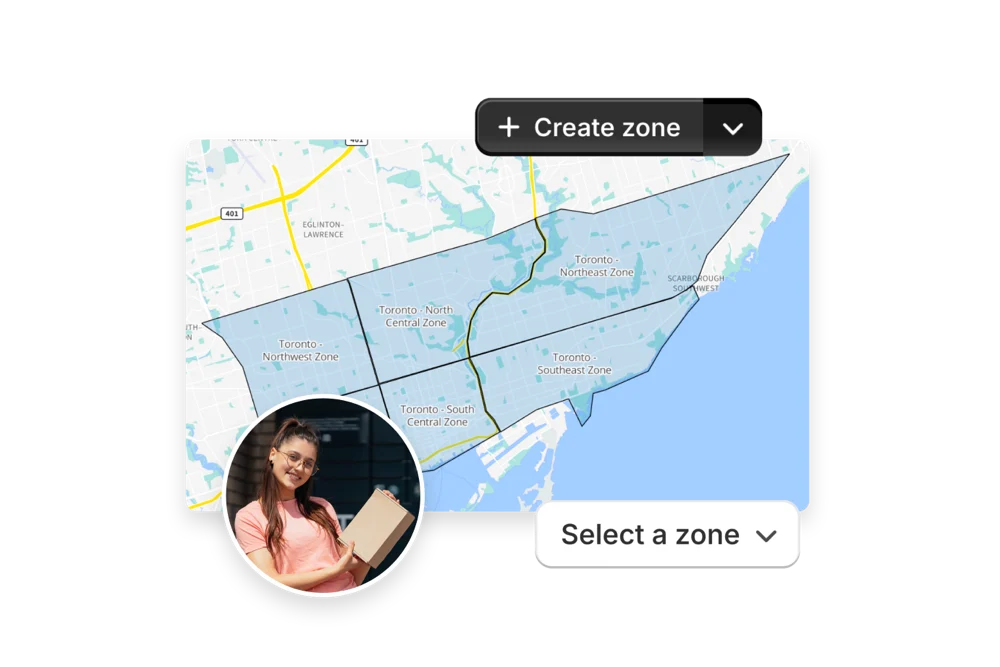
Yes. Set specific start/end locations per route to represent different depots or driver home bases and plan accordingly.

See: Multiple locations/warehouses

Your delivery day, planned before you get in.